Ads in Bing AI Overviews: check your campaigns
Microsoft now shows ads next to Bing AI Overviews in all markets except China, via existing campaigns. What to check in your account this week.
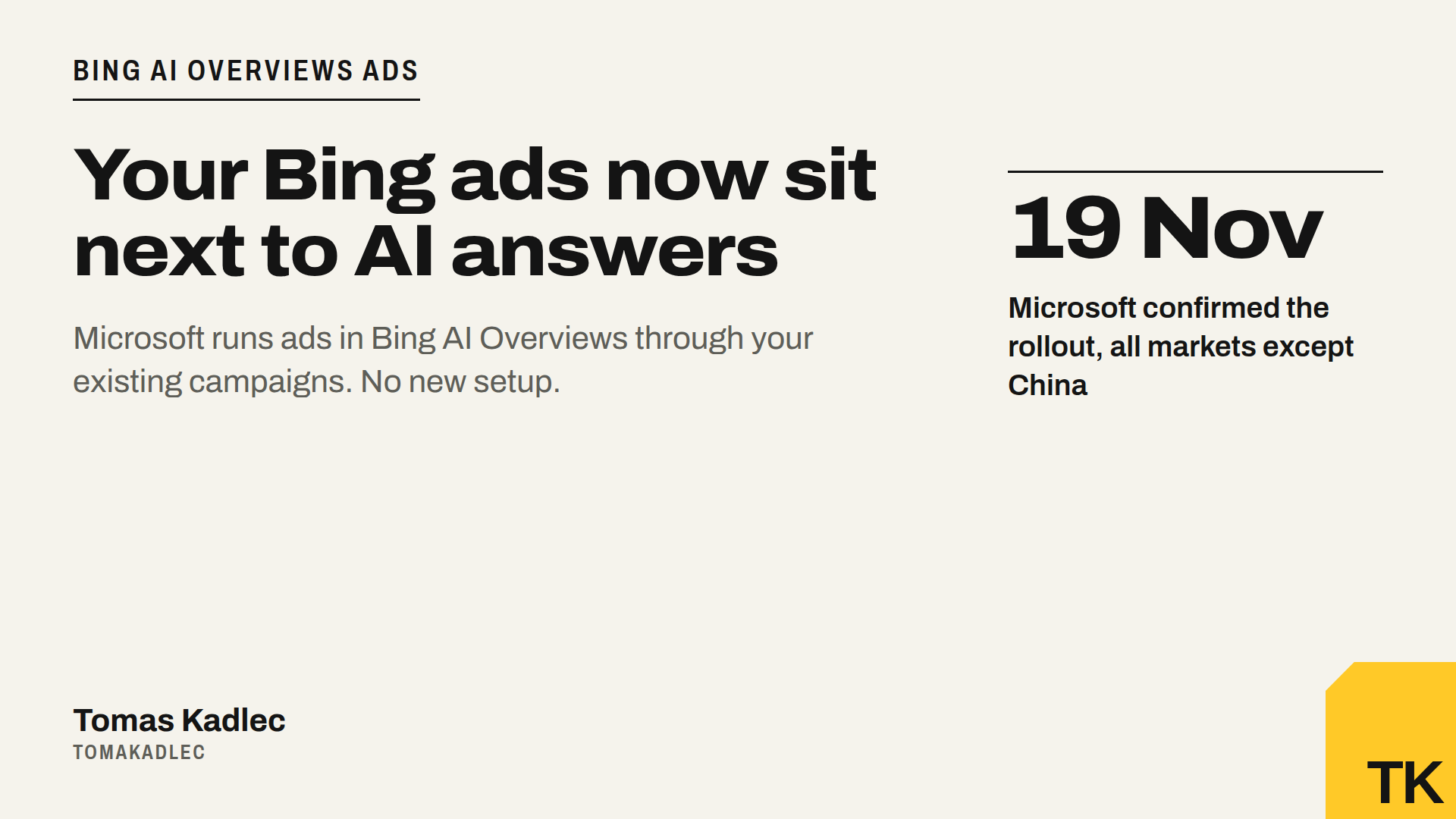
Microsoft Advertising put out its November update on 19 November 2026. The main news: "Your ads can now show up next to AI-powered answers on Bing when your offers are relevant." You do not need a new campaign. Your Microsoft Ads account may already be paying for this new placement, and nobody had to change a setting.
What changed
Here is what Microsoft confirmed in its own post:
- New placement. Ads in AI Overviews on Bing are the latest step in bringing ads to AI experiences, building on ads in Copilot.
- No setup. "There's no separate campaign set-up required. Ads in AI Overviews run through the campaigns you already use, including Performance Max and AI Max".
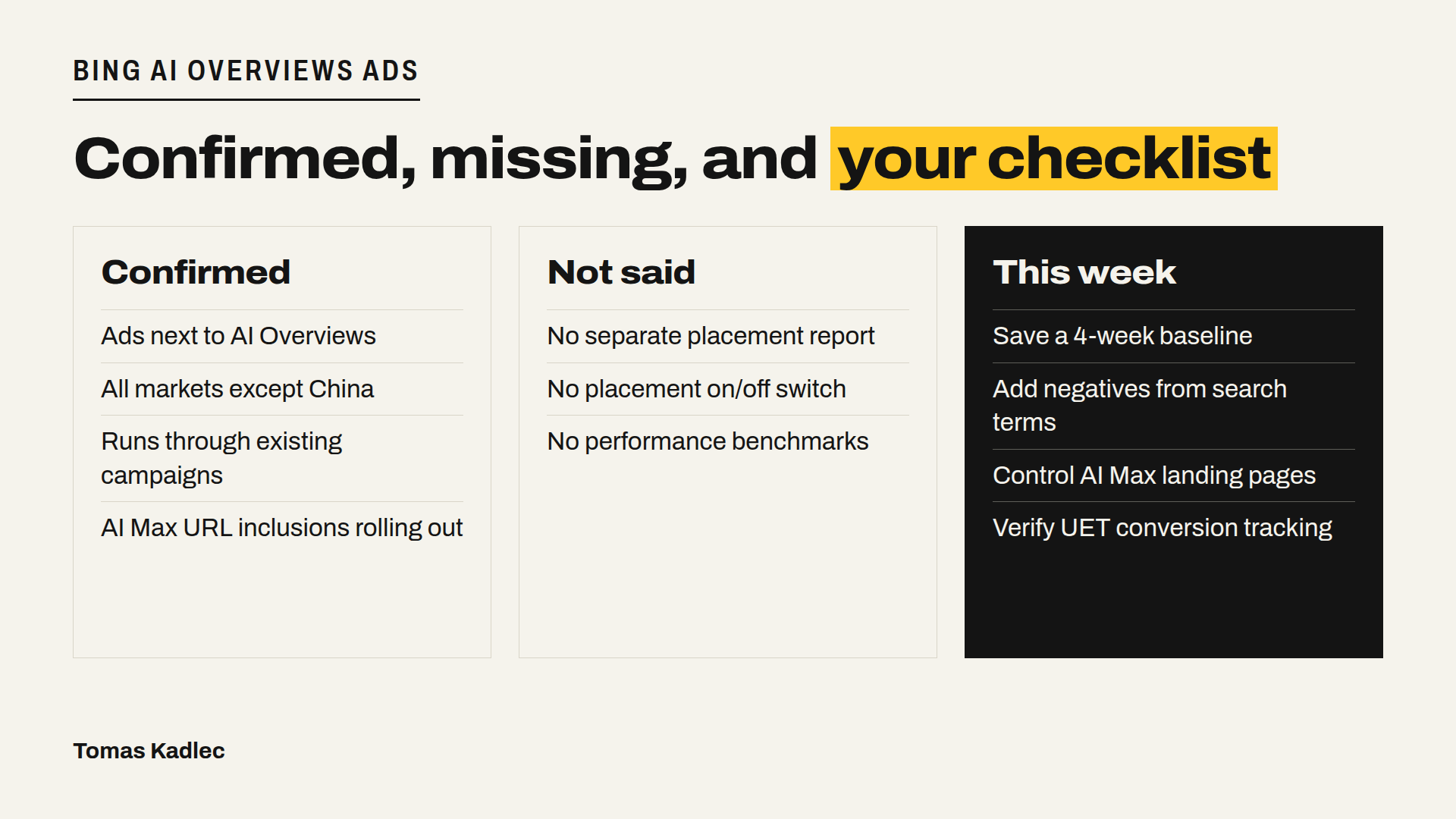
- Wide rollout. Ads in AI Overviews are now available in all markets except China. Microsoft does not list the markets one by one. As I read it, Europe and the Czech Republic are included.
- Already live before the post. Search Engine Roundtable started seeing ads in Bing AI Overviews about three weeks ago.
The same post adds a control for AI Max. URL inclusions help you specify the parts of your website that you want AI Max to use: both as a traffic destination as well as a resource to draw from for text customization and search term matching. URL inclusions are rolling out now. So you may not have them in your account yet.
What the post does not say also matters. Search Engine Land points out that Microsoft hasn't detailed separate placement controls or reporting capabilities specifically for AI Overviews in this announcement. And Microsoft hasn't shared specific performance benchmarks for the new AI Overviews placement. In plain words: your ads can show there, you can not switch this one placement off, and you can not see it in a report of its own.
Who it affects
- E-shops running Performance Max on Microsoft. Your products can now show next to an AI answer as well.
- B2B and lead gen accounts with AI Max. AI Max picks the search terms, writes text and picks the landing page. Now it also does this next to AI answers.
- Anyone who imports Google Ads campaigns into Microsoft. Imported campaigns are existing campaigns too. The new placement covers them without anyone opening the account.
- SEO teams. Ads now sit next to the AI answer where you hoped to be cited. This is a change in the paid account, not in organic ranking.
What to do this week
- Save a baseline today. Export spend, clicks, conversions and cost per conversion for each campaign for the 4 weeks before 19 November. You can not see AI Overview traffic on its own, so the only check you have is comparing before and after.
- Open the search terms report. Look for long questions and research queries ("how to", "best", "vs", "what is"). These are the queries where AI Overviews show up. If a query does not lead to buying, add it as a negative keyword.
- Check where AI Max sends people. If URL inclusions are in your account, add your category, product and gift guide pages. Microsoft gives this example itself: Add your gift guide pages as URL inclusions to your holiday campaigns. If you do not have them yet and your site has career, support or login pages, my advice is to turn final URL expansion off until you do.
- Check conversion tracking. Automated bidding is only as good as the conversions you feed it. Make sure the Microsoft UET tag fires on the thank-you page and is not counting things twice.
- Set the copy rules. For AI Max, last month, we added messaging guidelines. Write down what the ads must never promise, before AI-written text shows next to an AI answer.
A worked example
These numbers are made up, to show the math. A campaign spent €750 in the two weeks before 19 November and got 30 conversions, so €25 per conversion. In the next two weeks it spends €900 and still gets 30 conversions. That is €30 per conversion. The extra €150 bought nothing more. If your target is €25, go to step 2 and add negatives.
One warning: these are Black Friday weeks. Spend goes up every year in late November. Compare with the same weeks last year, or with your Google Ads numbers for the same days, before you blame the new placement.
Here is a prompt for step 2. Export the search terms report as CSV and paste it in:
Here is my Microsoft Ads search terms report for the last 14 days as CSV. Columns: search term, campaign, clicks, cost, conversions.
1. Mark every term that looks like research or a question, not like buying (how, what, why, best, vs, review, ideas, guide).
2. For each marked term show cost and conversions. List the ones with cost above 20 EUR and zero conversions first.
3. Suggest negative keywords (phrase or exact) only for terms that clearly do not fit what we sell, which I describe below the list.
4. Do not suggest negatives for terms that converted. Show the total cost of the terms you would block.
What to ignore
- The 21% number. Microsoft says Microsoft data shows a 21% increase in purchases after a Copilot interaction. That is about Copilot, not about ads in AI Overviews. As Search Engine Land notes, it doesn't establish that ads in Bing AI Overviews will deliver the same improvement.
- Building a special "AI Overview campaign". There is no such campaign type. Clean up the campaigns you already have.
- Moving budget because of this headline. Wait for two to four weeks of your own data.
If you want to check the tracking side first, the Google Ads tracking check is free and checks whether your Google Ads conversion tag is set up and firing. It looks at Google Ads only, not the Microsoft UET tag, so check UET in the Microsoft Ads interface yourself. No pitch needed, just bring your numbers.
Did your Microsoft Ads spend move after 19 November, and do you know why?
Sources: Microsoft Advertising, Put AI to work engaging customers in more places: What's new in Microsoft Advertising this November, November 2026 · Search Engine Roundtable, Microsoft Confirms Ads Are In AI Overviews On Bing Search, 20 November 2026 · Search Engine Land, Microsoft Advertising brings ads to AI Overviews on Bing, 20 November 2026 · Search Engine Land, Microsoft Advertising adds URL inclusions to AI Max campaigns, 20 November 2026