Let AI sort your Google Ads search terms weekly
Export last week's search terms, let AI sort each one into keep, negative candidate or unsure, approve in 10 minutes. With a copyable prompt.
Since September 2020, Google Ads does not show you all your search terms. Seer Interactive measured it right after the change: about 28 % of paid search spend no longer had search term data. Cost visibility fell from 98.7 % to 71.0 %.
The hidden part is not the cheap part. In 2025 Search Engine Land published an independent analysis by Collin Slattery (Taikun Digital): over 20 million USD of Google Ads spend, nearly 14 million clicks, 933 campaigns. Hidden queries had 52 % higher CPC and 44 % lower CTR.
You can not review what Google does not show. But you can review what it shows, and do it every week, not once a quarter. Here is a simple workflow for that. AI does the sorting. A human does the deciding.
Why every week
Google's help page says the report includes "the search terms that were used by a significant number of people". Terms without enough query activity are omitted, for privacy.
So the visible list is the part you control. If you check it once a quarter, a bad term can run for 12 weeks before anyone looks. If you check it every Monday, the list is short and a bad term runs one week at most.
Also, Performance Max search terms now show in the standard search terms report. Google rolls it out gradually, so check if your account has it. If yes, put your PMax campaigns into the same weekly review.
The weekly workflow
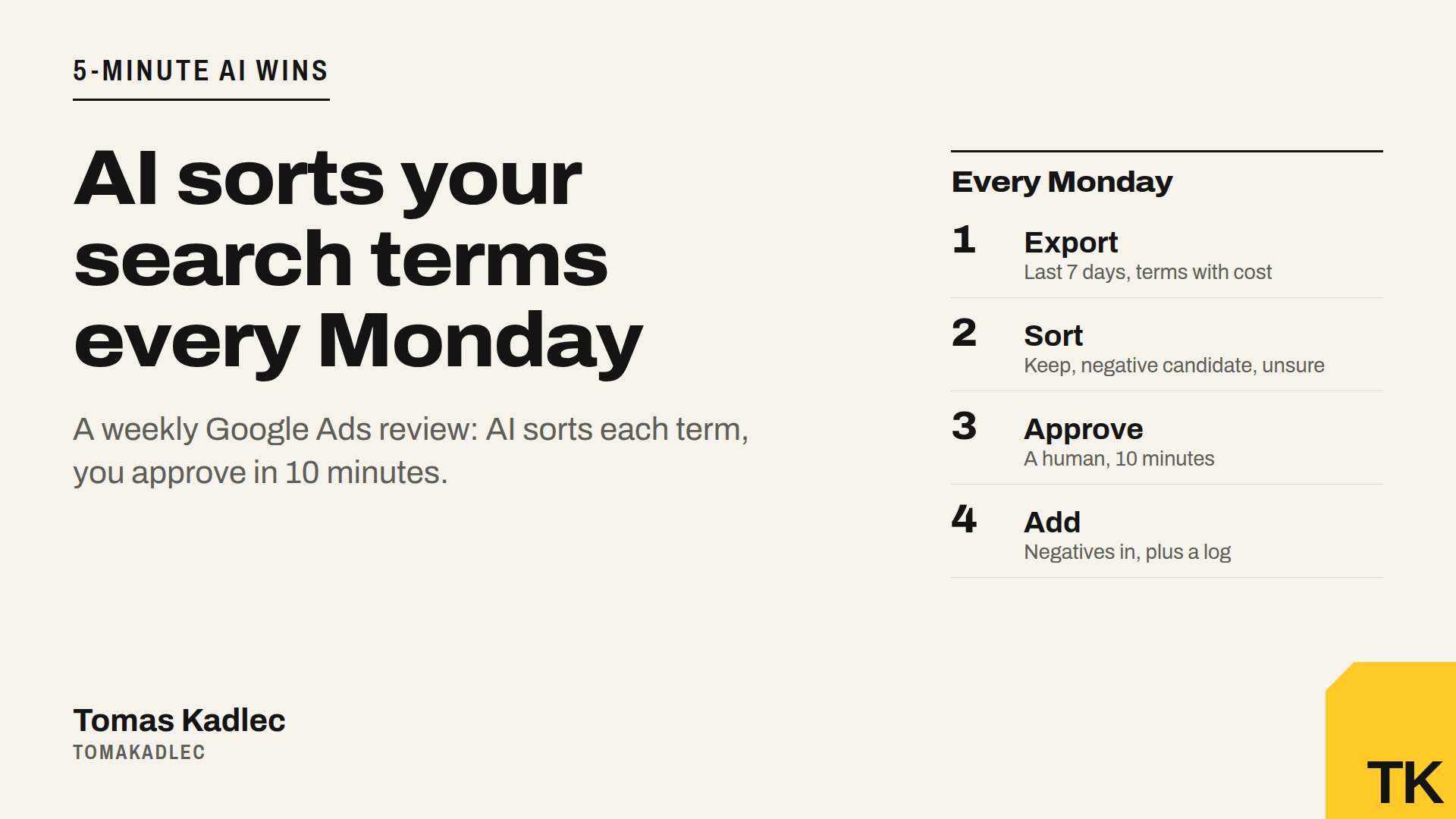
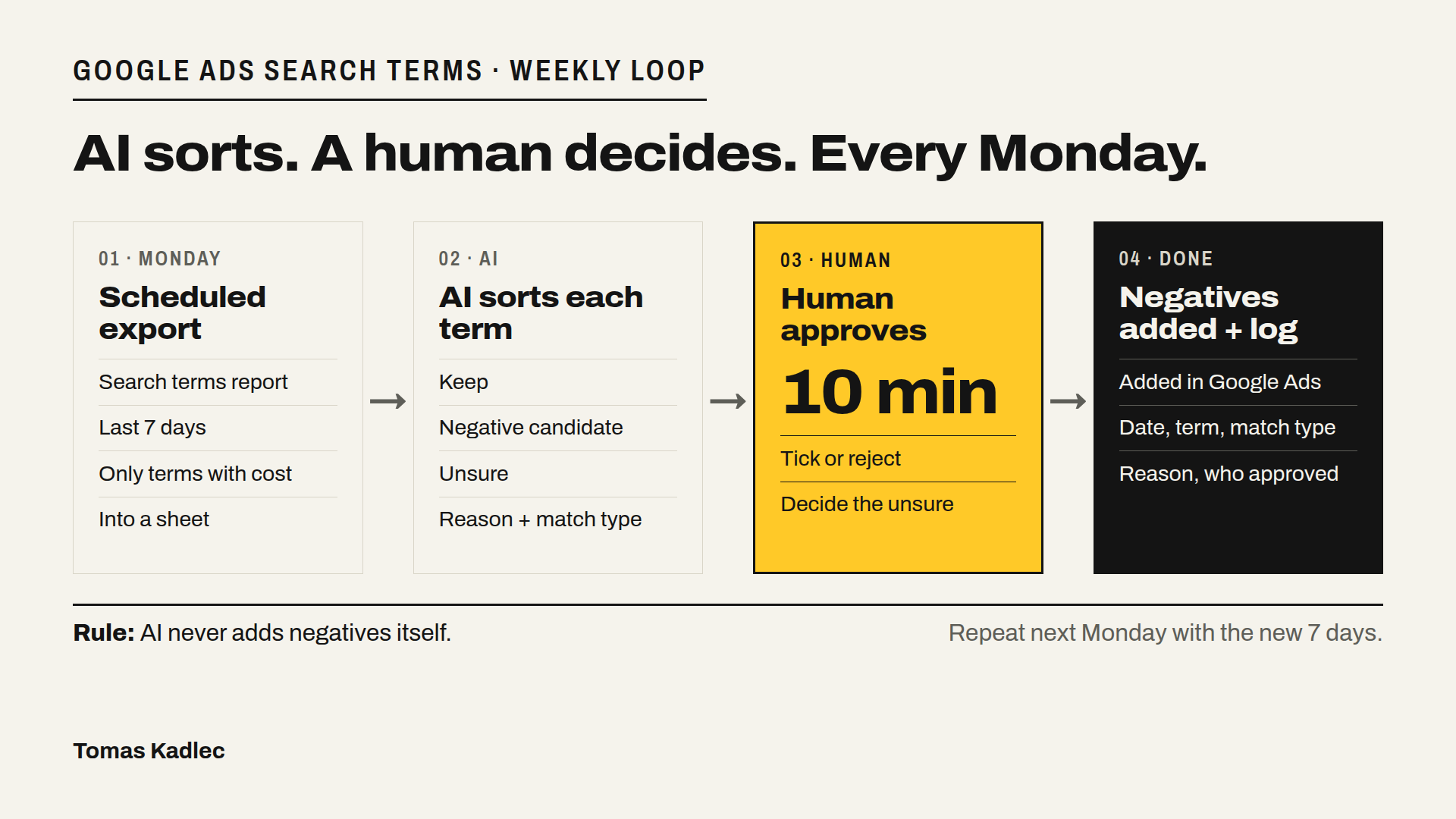
- Schedule the export. Search terms report, last 7 days, only terms with cost. Let it land in a sheet every Monday. Columns: search term, campaign, match type, cost, clicks, conversions.
- Write a short business brief, once. 5 to 10 lines: what you sell, what you never sell, your brand names, your competitor policy. Do you want traffic on competitor names, or never? Without this brief the AI guesses.
- Let AI sort each term. Three groups: keep, negative candidate, unsure. Each term gets a one-line reason, and each negative candidate gets a match type proposal.
- A human approves in 10 minutes. Read the negative candidates and the unsure group. Tick what goes in, reject the rest. The AI never adds negatives itself.
- Add the negatives in Google Ads and log them. Date, term, match type, reason, who approved. Next Monday you see what was blocked and why.
The sorting prompt
Paste your business brief first, then the table from the sheet, then this:
You review Google Ads search terms for my business. Above you have my business brief and a table of search terms from the last 7 days, with campaign, cost, clicks and conversions. Sort every term into one of three groups: keep, negative candidate, or unsure. Give a one-line reason for each term. For each negative candidate propose a match type: exact if only this exact search is wrong, phrase if every search with these words is wrong. Never put my brand names in negative candidate. Follow the competitor policy from my brief. If a term has conversions, put it in unsure, not in negative candidate. If you do not know, use unsure. Do not invent terms or numbers that are not in the table. Return one table: term, campaign, cost, group, reason, match type.
An example
This is an example, not a real account. A company sells accounting software to small firms and never sells free tools. The AI puts a search for a free Excel accounting template into negative candidate, phrase match, reason: the person looks for a free file, not software. A search with a competitor's name goes to unsure, because the brief says "decide case by case". A search with the brand name stays in keep.
The human reads it, agrees with the first one, keeps the competitor term for one more week. 10 minutes, done.
Why the human step stays
A wrong negative is quiet. It blocks a search that could sell, and nobody sees a lost click in a report. AI sorts fast, but it does not know that your sales team closed a deal last month from a strange search term. You know it.
So the rule is simple: AI proposes, a human approves, the log shows who decided. The 10 minutes are the cheapest part of the whole workflow.
Summary
Google hides part of your search terms, and in the analysis above the hidden part had higher CPC and lower CTR. So review the visible part every week. Export the last 7 days with cost, let AI sort each term into keep, negative candidate or unsure with a reason, approve in 10 minutes, then add the negatives and log them.
Before you trust the cost and conversion columns in that sheet, check that your conversion tracking works. The free Google Ads tracking check shows it quickly. If you want this weekly review built and running for your account, that is the AI Marketing Workflow Sprint. Or book a free 20-minute call.
How often do you check your search terms today?
Sources: Google Ads Help, About the search terms report, checked 18 Nov 2026 · Seer Interactive, Google Ads removes search terms for 28 % of paid search budgets, 2 Sep 2020 · Search Engine Land, Hidden search terms cost advertisers (analysis by Collin Slattery, Taikun Digital), 2025 · Search Engine Land, Google adds search terms visibility to Performance Max campaigns, 2025