Break-even ROAS: formula and 3 examples
Break-even ROAS formula, which costs belong in the margin, three worked examples and how to set target ROAS above the floor.
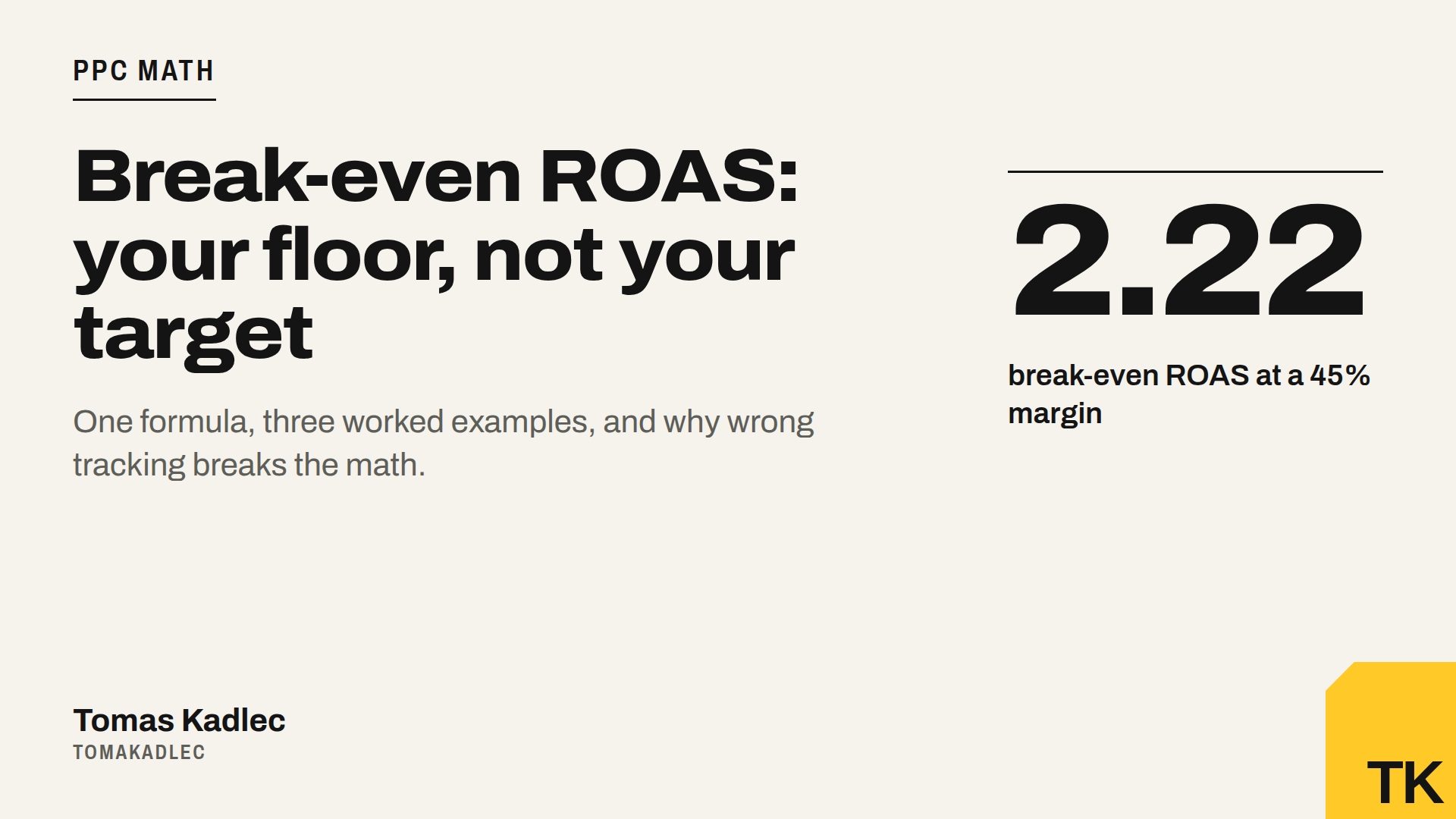
Break-even ROAS is the ROAS where your ads pay for themselves and nothing more. The formula is 1 divided by your profit margin before ad spend. With a 40% margin, break-even ROAS is 1 / 0.40 = 2.5. Below that number, every sale from ads loses money.
What is break-even ROAS?
First, plain ROAS. In Google Ads it is the "Conv. value / cost" column. Google calculates it as total conversion value divided by total ad cost.
Break-even ROAS is the ROAS where the margin from ad sales exactly covers the ad spend. Profit from the ads is zero. It is the floor for a campaign. It is not a goal.
Break-even ROAS formula
Break-even ROAS = 1 / margin before ad spend
Margin before ad spend = (net order revenue minus variable costs) / net order revenue
Why it works: ads break even when revenue × margin = ad spend. Divide both sides by ad spend and by margin and you get revenue / ad spend = 1 / margin.
Which costs belong in the margin?
Use every cost that grows with each order:
- Cost of goods sold. What you paid for the product.
- Shipping and packaging you pay, not only what the customer pays.
- Payment fees. Card, wallet or cash on delivery fees.
- Returns. The expected cost of returned orders: lost shipping, handling, goods you can not sell again.
- Other per-order costs, for example marketplace or affiliate commissions.
Fixed costs like rent, salaries and tools stay out. The profit above break-even has to pay for them.
VAT: check what your conversion value includes
This is where many calculations go wrong. Some setups send the order total with VAT and shipping to Google Ads, some send the net value. Check your tag or your shop plugin before you calculate.
Calculate the margin on net revenue without VAT. If your conversion value includes VAT, multiply the break-even ROAS by (1 + VAT rate) to compare it with the number in Google Ads.
How to calculate break-even ROAS: 3 examples
All prices are without VAT. The example numbers are illustrative, not benchmarks.
Example A: fashion shop, 45% margin
- Order 100 EUR. Goods 40, shipping 6, payment fee 2, expected returns cost 7. Variable costs 55 EUR.
- Margin: (100 minus 55) / 100 = 45%.
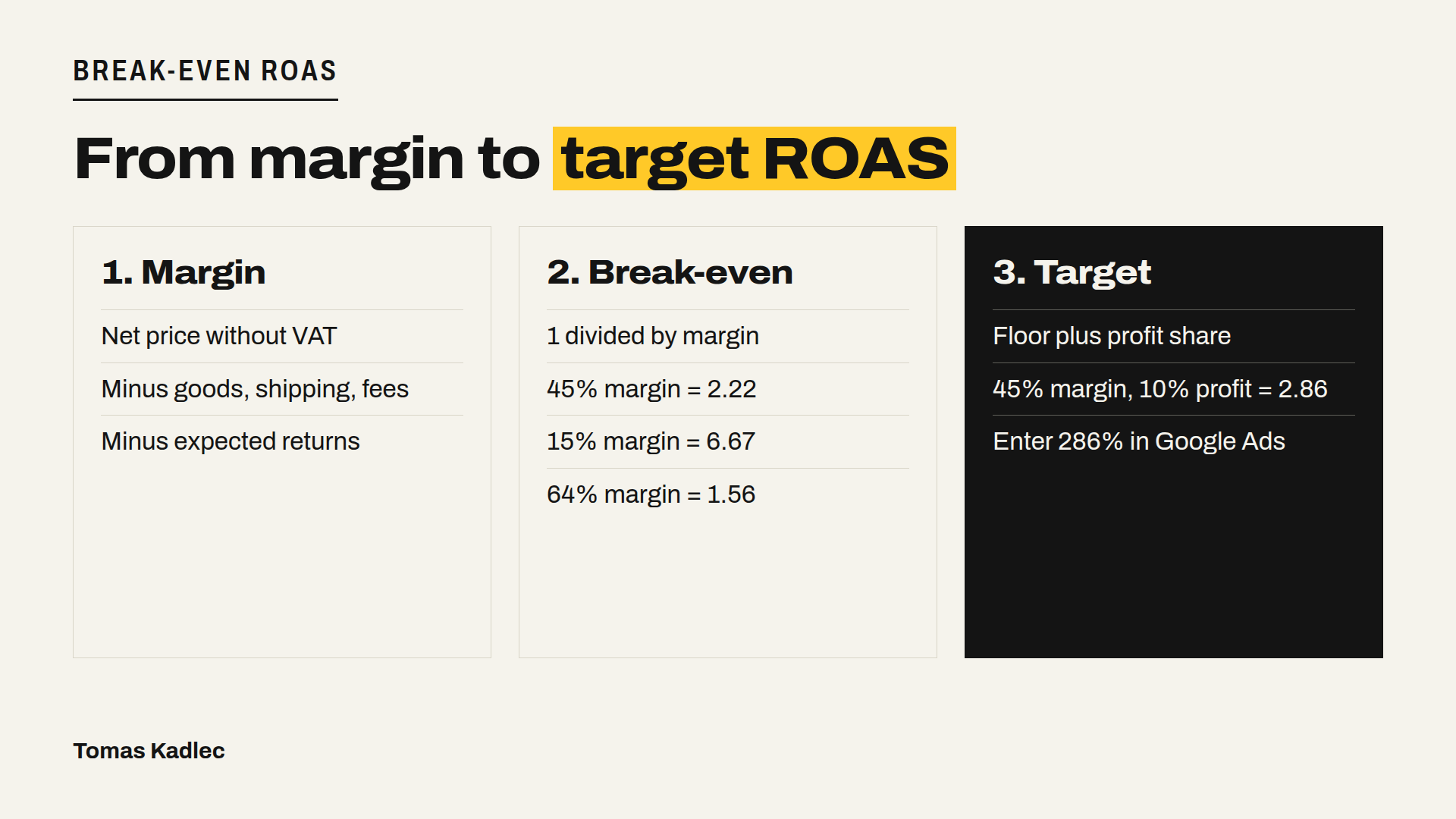
- Break-even ROAS: 1 / 0.45 = 2.22.
- Check: at ROAS 2.22, an order of 100 EUR costs about 45 EUR in ads. 100 minus 55 minus 45 = 0.
- If Google Ads gets values with VAT, at an example rate of 21%: 2.22 × 1.21 = 2.69.
Example B: electronics, 15% margin
- Order 500 EUR. Goods 400, shipping 10, payment fee 7.50, returns 7.50. Variable costs 425 EUR.
- Margin: 75 / 500 = 15%.
- Break-even ROAS: 1 / 0.15 = 6.67.
Example C: own cosmetics brand, 64% margin
- Order 50 EUR. Goods 10, shipping and packaging 6, payment fee 1, returns 1. Variable costs 18 EUR.
- Margin: 32 / 50 = 64%.
- Break-even ROAS: 1 / 0.64 = 1.56.
Same ad account, three very different floors. A ROAS of 3 is good for C, fine for A and a loss for B.
Target ROAS vs break-even ROAS
Google defines target ROAS as the average conversion value you want back for each unit of currency you spend on ads. You enter it as a percentage: 5 in sales for every 1 in ad spend is a target ROAS of 500%.
Break-even is the floor. Target ROAS has to sit above it, because you also want profit. A simple way:
Target ROAS = 1 / (margin minus the profit share you want)
Example A: you want 10% of revenue as profit after ads. 45% minus 10% leaves 35% for ads. Target ROAS = 1 / 0.35 = 2.86, so you enter 286%. Check: 100 EUR revenue, 55 variable costs, 35 ads, 10 profit.
Example B with the same 10% profit: only 5% is left for ads, so target ROAS = 20. In my opinion, that is a sign to fix the margin or the product mix first.
Google's own advice is to start from history: look at your real ROAS over the last 30 days and use it as the starting target. Google also recommends collecting conversion values for at least 4 weeks, or one to two conversion cycles if that is longer, before you set a target. So these two views can clash. If your history is below break-even, a higher target alone will not fix it. Raising the target usually trades volume for efficiency. For more volume, Google's guidance is to lower the target step by step.
What returns and repeat purchases change
Returns. You can handle them in two ways. Put the expected return cost into the margin, as in the examples. Or correct the conversion value in Google Ads. Google Ads lets you take back a conversion, for example after a cancelled or returned order, or lower its value after a partial return. Pick one way. If you do both, you count the returns twice.
Repeat purchases. Break-even on the first order is strict. If customers buy again, you can accept a lower ROAS on the first order. Do this only with your own repeat purchase data, not with numbers from someone else's shop.
POAS and MER: the same idea, other units
POAS is profit on ad spend. POAS = gross profit from ads / ad spend. Use it when margins vary by product. If the value you send is profit after variable costs, break-even POAS is simply 1. Google Ads can report gross profit too, if you send cart data with your conversions and keep cost of goods sold in your Merchant Center feed.
MER is the marketing efficiency ratio, total revenue divided by total marketing spend for the same period. The floor works the same way: break-even MER is 1 divided by your margin. MER fits the whole business, ROAS fits single campaigns.
Why a wrong conversion value breaks the whole calculation
ROAS is only as good as the value your tracking sends. That value may include tax, and it is usually recorded before refunds. If the value is wrong, your break-even comparison is wrong too.
Check this before you trust any ROAS:
- The purchase conversion fires once per order, also when the thank-you page reloads.
- The value is dynamic per order, not one fixed number.
- You know if the value includes VAT and shipping.
- Conversions and value in Google Ads roughly match your shop's orders for the same days.
- Returns are in the margin or adjusted in Google Ads, not both.
Prompt to calculate it with an AI assistant:
Calculate my break-even ROAS and a target ROAS.
I will give you: average order value without VAT, cost of goods, shipping and packaging I pay, payment fee and expected return cost per order.
I will also say if my Google Ads conversion value includes VAT, the VAT rate, and the profit share I want after ads.
Ask me for any number that is missing.
Show each step, check the arithmetic twice, and give the target ROAS as the percentage I enter in Google Ads.
FAQ
What is a good ROAS?
Any ROAS above your own break-even ROAS, with enough room for fixed costs and profit. There is no universal number, because margins differ so much.
Is break-even ROAS the same as target ROAS?
No. Break-even ROAS is the floor where ad profit is zero. Target ROAS is the setting in Google Ads and should sit above the floor.
Is there a break-even ROAS calculator?
A break-even ROAS calculator is planned on my site, but it is not live yet. Until then, use the formula above or the prompt.
Next step
If you are not sure your conversion value is right, start with the free Google Ads tracking check. It finds whether the Google Ads tag and conversion events fire on a page. If you want me to go through the whole account, including values, targets and margins, the PPC audit costs 500 EUR. Not sure what you need? Book a free 20-minute call.
What is your break-even ROAS, and is your current target above it?
Sources: Google Ads Help, About Target ROAS bidding, accessed 20 November 2026 · Google Ads Help, About Smart Bidding using value-based bidding for Search and Shopping, accessed 20 November 2026 · Google Ads Help, Bidding FAQ, accessed 20 November 2026 · Google Ads Help, Understand your conversion tracking data, accessed 20 November 2026 · Google Ads Help, About conversion adjustments, accessed 20 November 2026 · Google Ads Help, About conversions with cart data, accessed 20 November 2026 · Count, How to Calculate ROAS: Formula, Break-Even and Checks, accessed 20 November 2026 · Humblytics, Return on Ad Spend (ROAS): Formula, How to Calculate It, and Your Break-Even Number, October 2026 · OWOX, Marketing Efficiency Ratio (MER): The Formula and Where It Breaks, accessed 20 November 2026