Let Google-Agent in: check these 6 things
Google published how to let its AI agent into your site, and six ways sites still block it. Six questions for your CDN team and a log check.
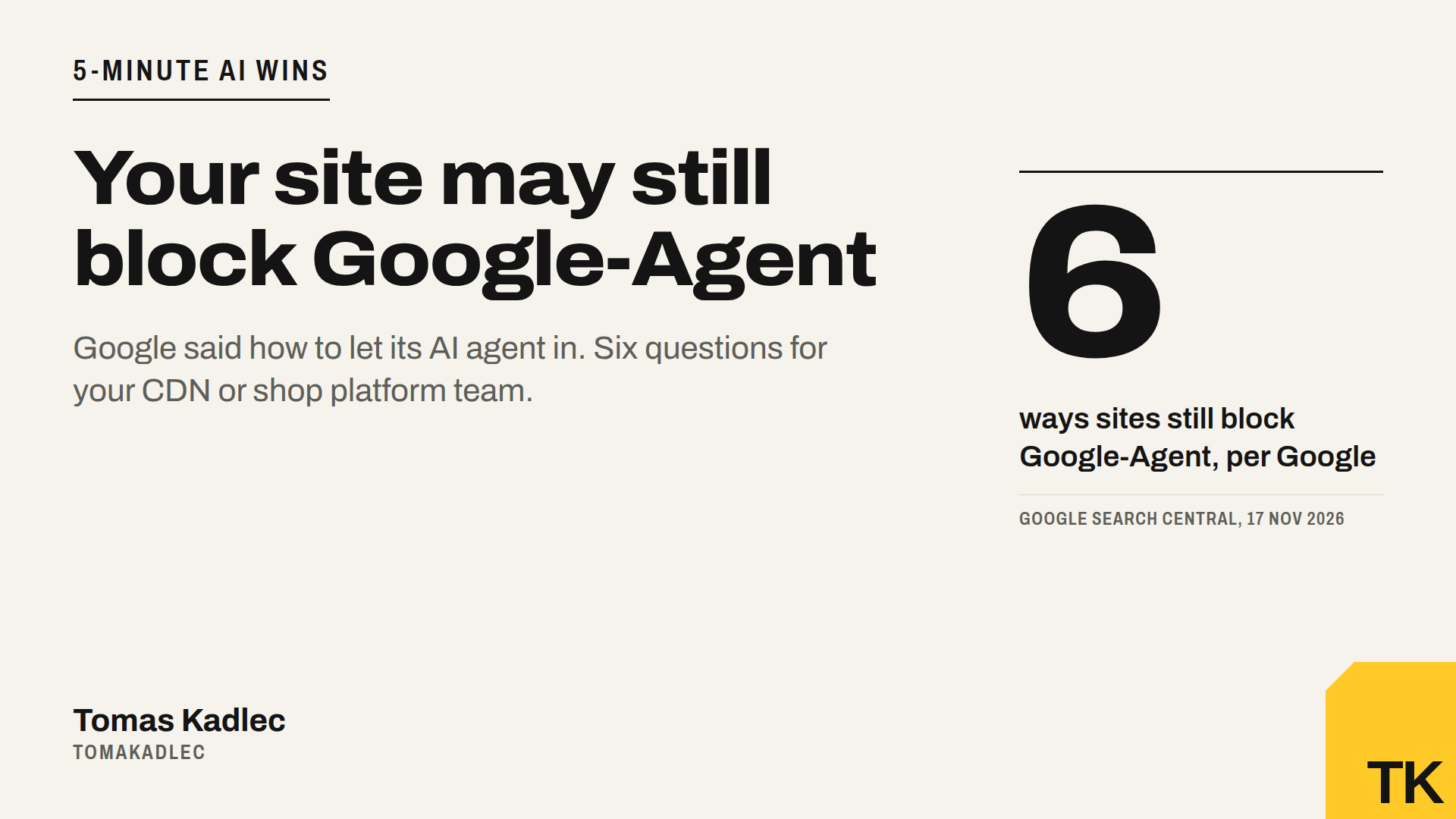
On 17 November 2026 Google published a guide called "Allow Google-Agent traffic". It explains how to let its AI agent into your website. It also lists six ways sites still block the agent after they think they allowed it.
If you run a shop or a lead form, this is not an SEO detail. It decides if an agent can finish a task for your buyer on your site.
What Google-Agent is
Google describes it as the name used by agents hosted on Google infrastructure to navigate the web. It does not only read pages. It takes actions when a user asks for them.
How you recognise it, per Google:
- The User-Agent contains "Google-Agent".
- The IP is in a JSON file Google publishes, user-triggered-agents.json. PPC Land saw a version generated on 16 November 2026 with 20 prefixes: 12 IPv4 and 8 IPv6.
- Experimental: requests can be signed with HTTP Message Signatures (RFC 9421), with a header called Signature-Agent.
Google's flow for your firewall has four steps. Check that the user agent contains Google-Agent. Check that the IP is in the JSON file. Verify the signature if there is one. Skip bot challenges for verified requests.
One thing the guide does not say: whether Google-Agent follows robots.txt. I will not guess either way.
Why it matters for shops and lead forms
Most of the blocking does not happen on the home page. It happens deeper, on search, filters, add to cart, booking and forms. That is exactly where an agent does its work. A made-up example: the product page loads, the cart call gets a challenge, the agent gives up. The task fails quietly.
I wrote earlier about agents that can pay, and what a shop needs for that. This guide is the access part of the same story.
The six ways sites still block it, and the question to ask
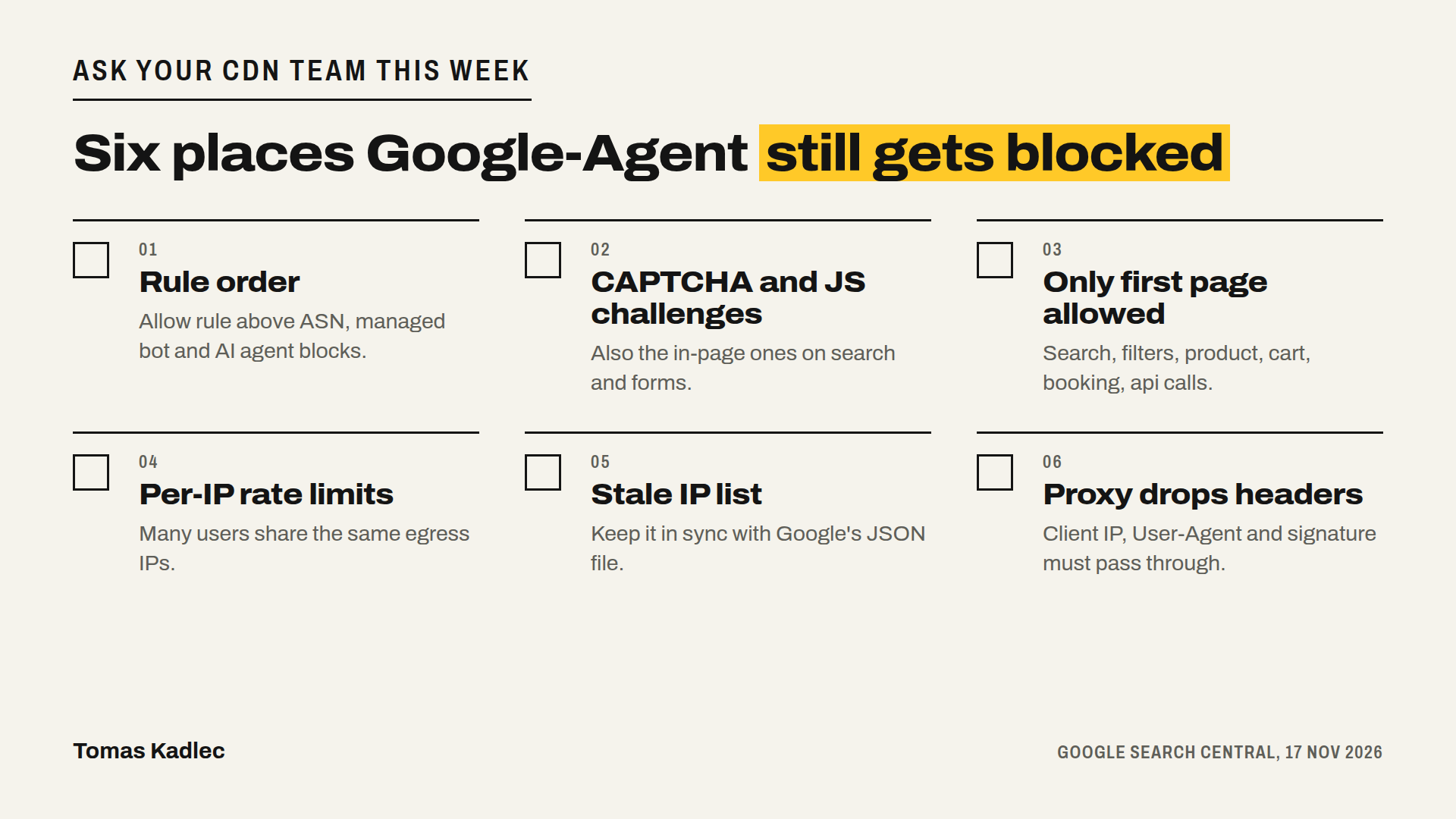
- Rule order. The allow rule must come before blocks for cloud and data-center networks (ASNs), managed bot rules and AI agent categories. Ask: "Is our Google-Agent allow rule above all of these?"
- CAPTCHA and JavaScript challenges. Also the ones inside the page, on search or forms. Ask: "Do verified Google-Agent requests skip every challenge, also in-page ones?"
- Only the first page allowed. Search, filters, product pages, add to cart, booking and XHR, GraphQL or api endpoints stay blocked. Ask: "Does the allow cover the whole path, including the api calls?"
- Per-IP rate limits. Many users share the same egress IPs. Ask: "Can our rate limit hit Google-Agent when many users come from one IP?"
- Stale IP lists. Your list must stay in sync with Google's JSON file. Ask: "How and how often do we sync it?"
- Proxies and load balancers that drop headers. If the client IP, the User-Agent or the signature headers get lost, the next layer can not verify the request. Ask: "Do all our layers pass these through?"
What to do this week
- Send the six questions to whoever runs your CDN, firewall or shop platform: Cloudflare, your shop platform or your hosting. Written answers, not "should be fine".
- Test the buying path. Write down every step a buyer takes: search, filter, product page, add to cart or booking, form submit. For each step, note which URL and which api call it uses, and ask if a bot rule or challenge sits on it.
- Check your logs for "Google-Agent". Then look at what those requests got back.
Here is a prompt for the log step:
I attach rows from my server or CDN log. Find every request where the User-Agent contains Google-Agent. For each one list the time, the path, the status code and the IP. Mark the requests that look blocked or challenged, for example status 403 or 429, or a challenge page. Group them by step of the buying path: search, filters, product page, cart, booking, forms, api calls. Do not guess anything that is not in the log. If there are no Google-Agent rows, say so.
If you see no Google-Agent rows at all, that is also an answer. Ask your CDN team if the logs keep the original User-Agent.
Summary
Google now says how to let Google-Agent in: check the user agent, check the IP against its JSON file, verify the signature if present, skip challenges for verified requests. Most sites will break on one of six points, and most of them sit deep in the buying path, not on the home page. Send six questions, test the path, read the logs.
Start with the free AI crawler check. It tests how your server answers known AI crawlers, so you see in a minute if your setup is strict with AI bots in general. If you want the full picture for your brand, access plus where AI finds and cites you, that is the AI visibility audit. Or book a free 20-minute call.
Who in your company could answer these six questions today?
Sources: Google Search Central, Allow Google-Agent traffic, 17 Nov 2026 · Search Engine Roundtable, report on Google's Google-Agent access guide, 17 Nov 2026 · PPC Land, Google lists six ways sites still block its AI agent after allowing it, 17 Nov 2026