Why my security tool refuses to attack your site
Anyone can type any URL into my security check. So it never sends attack input until you prove you own the domain. Why, how, and what to ask a tester.
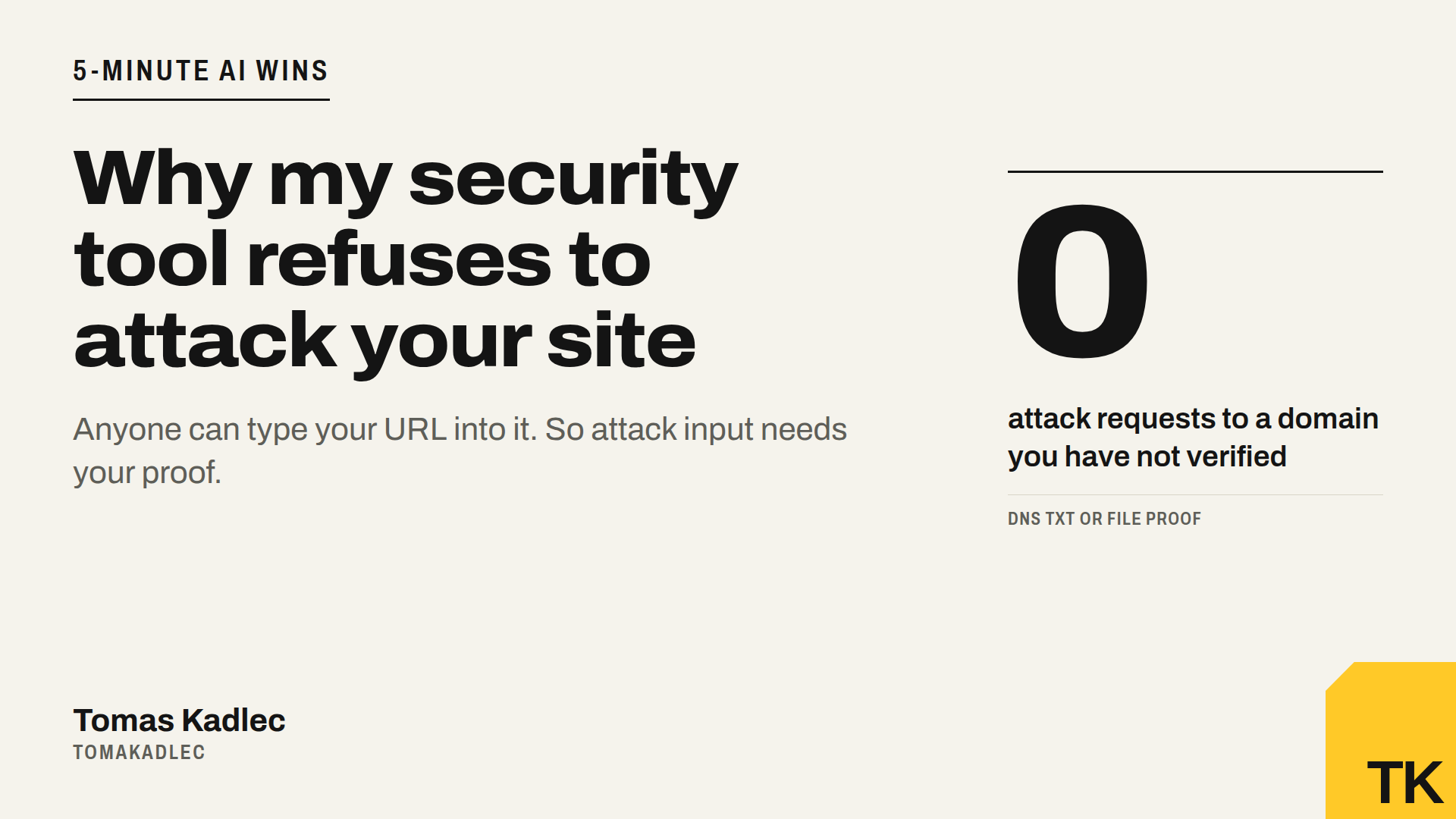
Anyone can type any URL into my Website security check. Yours. Your competitor's. Your bank's. The tool has no idea who is sitting at the keyboard.
That is exactly why it will not attack your site until you prove the site is yours.
Two kinds of checks
The Website security check does two very different things.
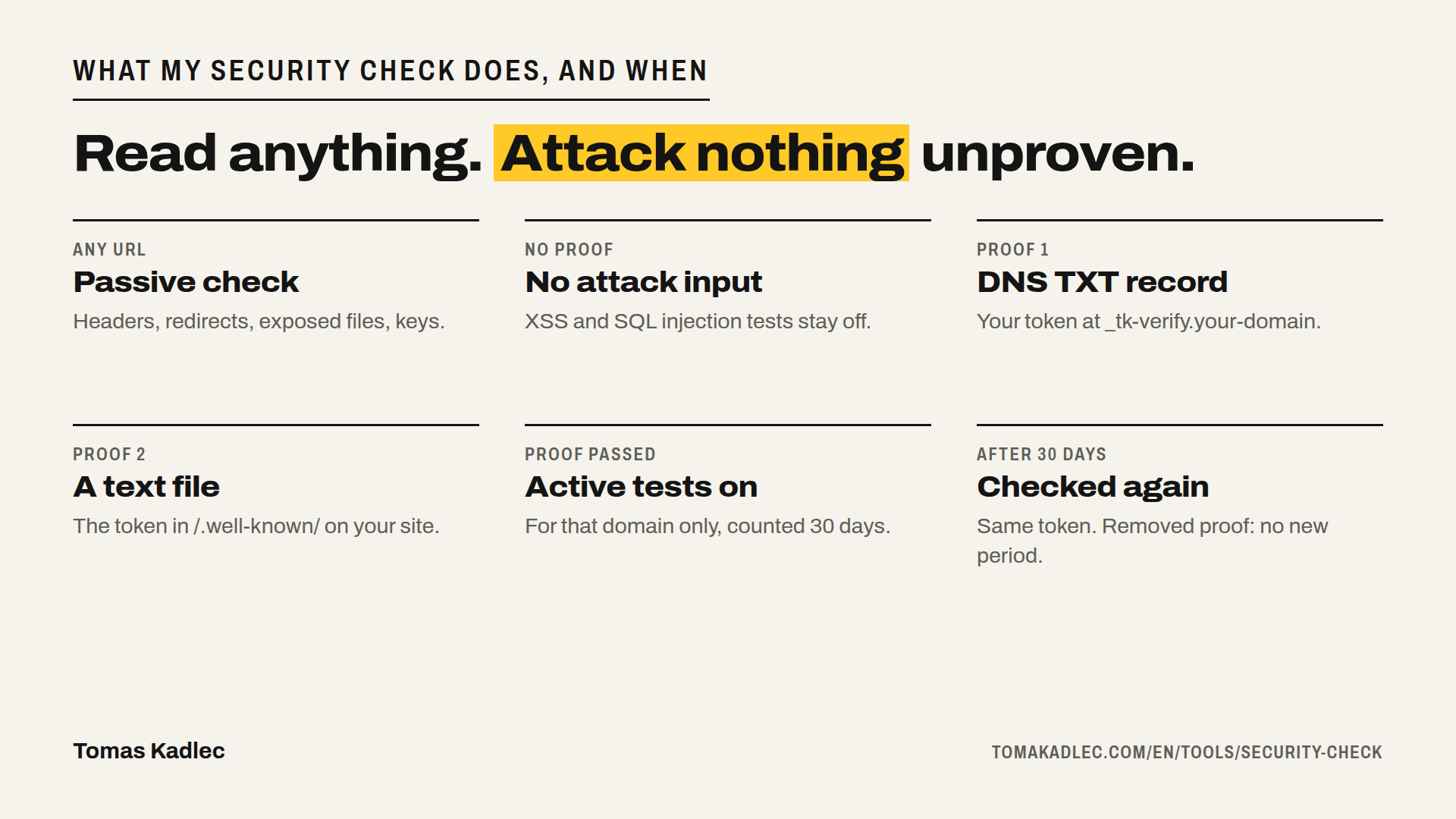
The passive part works on any URL. It reads what your server already shows every visitor: security headers, redirects, files that should not be public. Think of it as reading the sign on a shop door.
The active part is something else. It sends input that is built to break things. A script snippet, to see if your page runs it (XSS). A quote and some SQL, to see if your database answers (SQL injection). That is not reading the sign. That is trying the lock.
So the active part runs only after the owner proves the domain. No proof, no attack input. And there is no "I promise it is mine" checkbox, because anyone can tick a checkbox.
Why: the law does not care about good intent
My tool runs from Czechia and the people who use it are everywhere. So I read four legal texts.
- Czech Republic. Criminal Code § 230(1): if you overcome a security measure and get unauthorised access to a computer system, you face up to two years in prison. § 230(2) also covers putting data into someone's system without authorisation, with up to three years.
- EU. Directive 2013/40/EU sets common minimum offences for every member state: illegal access to information systems, illegal system interference, illegal data interference and illegal interception.
- UK. Computer Misuse Act 1990, section 1: making a computer do anything to get access you know is unauthorised. Up to two years in prison.
- US. Computer Fraud and Abuse Act, 18 U.S.C. § 1030: intentionally accessing a computer without authorisation and getting information from it, or knowingly sending code or commands that cause damage without authorisation.
I am not a lawyer and this is not legal advice. The details are different in each country. In 2024 the Czech Supreme Court said that if nobody overcame any security measure, even a simple one, it is not the § 230(1) offence. But the pattern is clear. An SQL injection test literally sends commands to someone else's system. If the owner did not say yes, my tool should not be the one sending them.
There is one more reason, and it is a selfish one. The requests come from my server. In your logs, the attacker would be my IP address.
How the proof works
You choose one of two ways.
- DNS TXT record. The tool gives you a token. You add it as a TXT record at your domain provider. Only someone who controls the domain's DNS can do that.
- A file. You put a small text file with the token on your site, at the path the tool shows you. Only someone who can deploy to the site can do that.
If you have used Google Search Console, you already know this. Google verifies a whole domain with a TXT record too, and tells you to keep it there.
Your token never changes, and that is on purpose. You add it once, and a failed first try does not give you a new code to copy again. A passed check counts for 30 days, so you can even remove the record after the first run. After 30 days the tool checks again, with the same token. Remove the record or the file and no new 30-day period starts.
What the proof does not prove
DNS proof shows you control the domain. It does not show you own everything behind it. If your app runs on Supabase, Stripe or a hosting platform, those are their systems, with their own rules about testing.
Professional pentesters work the same way. The UK National Cyber Security Centre says scoping should involve all relevant risk owners. CREST says the scope should be in a formal document signed off by all relevant parties.
Before anyone "pentests" your site
If a tool, a freelancer or an agency offers to test your site, ask five questions first.
- Who gives the permission, and is it in writing? If the answer is "you just paste the URL", walk away.
- What is in scope? Which domains, production or staging, which third-party services.
- When, and from which IP addresses? So you can tell their test from a real attack in your logs.
- What happens to the data they find? Keys, customer records, tokens.
- How do they stop? A person who answers the phone, and a clear stop rule if something breaks.
If you build with Lovable, Bolt, Replit, Cursor or Claude Code, let your AI builder do the homework first:
Before we run any security test on this app, list every system it touches: my domain, hosting, database, login, payments and any AI APIs. For each one, tell me who owns it and whether its terms allow security testing. Then write a one-page test scope: what may be tested, which environment, which dates, what must never be touched, and who to call if something breaks. Do not run any test yet.
Summary
A security tool that attacks any URL you type is not a security tool. It is a weapon with a nice UI. Mine reads any site, but it attacks only a site whose owner has proven it.
Start with the safe part: run the free Website security check on your own URL. It is passive, no sign-up.
Would you let a tool you found on Google send attack input to your live site?
Sources: own design of the Website security check, Tomas Kadlec, 18 November 2026 · Zákony Centrum, Trestní zákoník 40/2009 Sb. § 230, accessed 18 November 2026 · Nejvyšší soud ČR, 8 Tdo 450/2024, 25 June 2024 · EUR-Lex, Directive 2013/40/EU on attacks against information systems, 12 August 2013 · legislation.gov.uk, Computer Misuse Act 1990 section 1, accessed 18 November 2026 · South East Cyber Crime Unit, The Computer Misuse Act 1990, accessed 18 November 2026 · FindLaw, 18 U.S.C. § 1030, accessed 18 November 2026 · NameSilo, How to verify domain ownership for Google Search Console, accessed 18 November 2026 · NCSC, Penetration testing, accessed 18 November 2026 · CREST, A Guide to Penetration Testing, December 2022.