I ran my security check on my own site
I built a security scanner for AI-built sites. The first site it flagged was mine. 6 warnings, one was my tool's mistake, 30 minutes to fix.
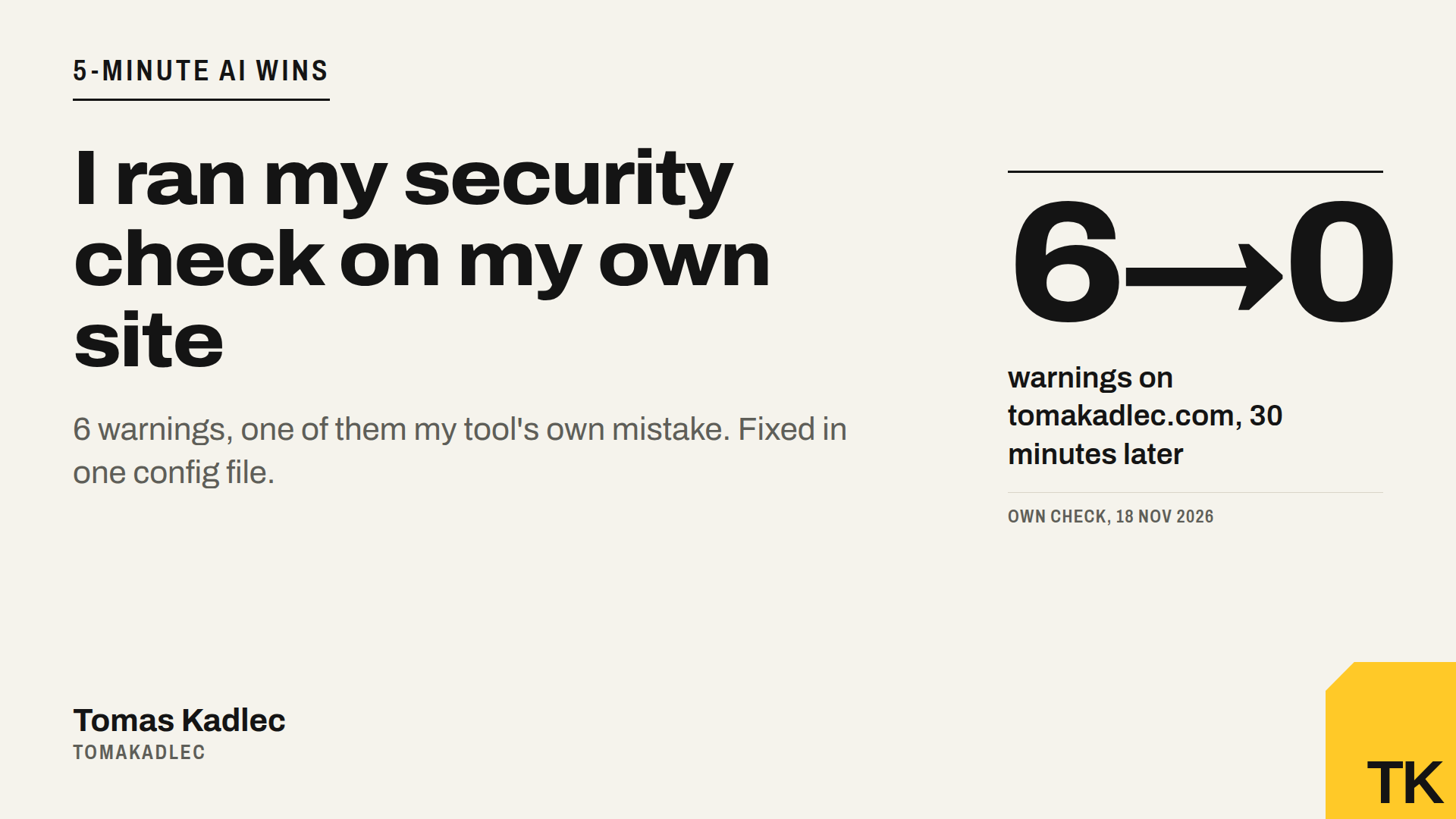
I built a security scanner for websites made with AI builders like Lovable, Bolt, v0, Cursor or Claude Code. The first site it flagged was mine.
And one of the warnings was wrong. My own tool made a mistake on my own site. I will show you both.
6 warnings on my own website
On 18 November 2026 the Website security check went live on tomakadlec.com in 5 languages. The first real run was on tomakadlec.com itself.
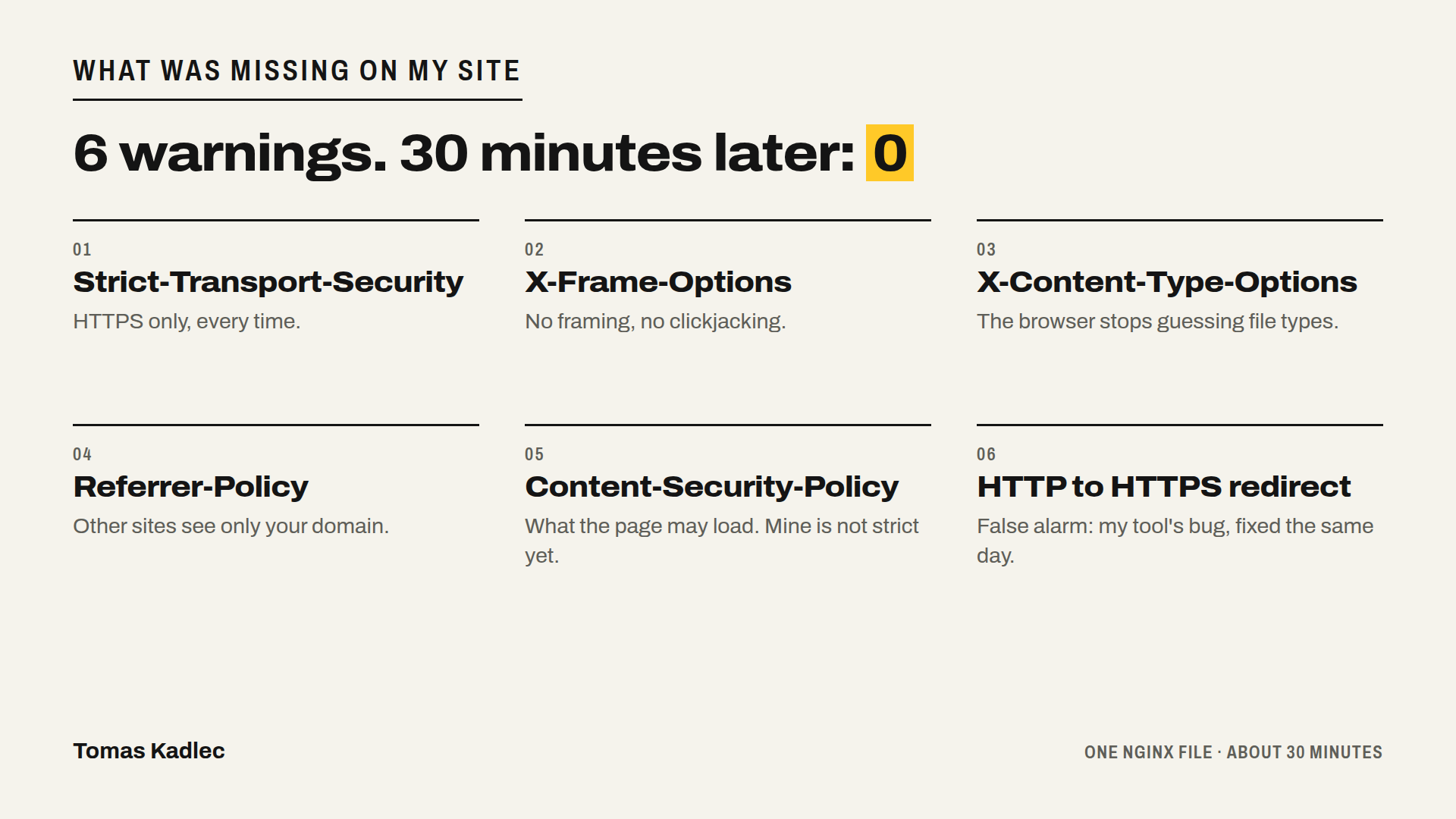
The result: 0 launch blockers and 6 warnings.
- no Content-Security-Policy
- no Strict-Transport-Security (HSTS)
- no X-Frame-Options (clickjacking)
- no X-Content-Type-Options
- no Referrer-Policy
- HTTP does not redirect to HTTPS
Nothing was on fire. But I built this site myself, with AI, and checked it by eye. 5 free protections were missing and I did not notice.
The warning that was my mistake
The last warning was false. My server already sent a 301 redirect from HTTP to HTTPS. The tool followed the whole redirect chain, saw the final 200 and never saw the 301. So it reported a problem that did not exist.
I fixed the tool the same afternoon. Now it looks at the first answer only. Everyone who uses the check gets that fix.
What I took from it: a scanner is a second opinion, not a judge. If a result looks wrong, check it by hand and tell the person who built the tool.
The 5 headers and what each one blocks
Security headers are short lines your server sends with every page. The browser reads them and turns protections on. Here is what each one does, in plain words.
- Strict-Transport-Security (HSTS). Tells the browser to use only HTTPS for your domain and to upgrade every later HTTP attempt to HTTPS. It has one weak spot: it works only after the browser made one secure visit and got the header. Send it on HTTPS answers, not on the HTTP redirect.
- X-Frame-Options. Stops other sites from loading your page inside a frame. This blocks clickjacking, where an attacker hides your page under an invisible layer and tricks a visitor into clicking. The modern version is the CSP rule frame-ancestors. MDN recommends setting both.
- X-Content-Type-Options: nosniff. The browser must trust the file type your server declares and stop guessing. A script or stylesheet served with the wrong type gets blocked.
- Referrer-Policy. Controls how much of your URL goes to other sites when a visitor clicks away. With strict-origin-when-cross-origin, other sites get only your domain, not the full path. This matters if your URLs carry IDs or tokens.
- Content-Security-Policy (CSP). Tells the browser which resources the page is allowed to load. A good CSP makes injected scripts much harder to run.
One config file, 30 minutes
My site runs behind nginx. All 5 fixes went into one nginx config file. I added them through my deploy script, which checks the headers automatically after each deploy. It took about 30 minutes. I also added Permissions-Policy while I was there.
Two nginx details that can cost you hours. First, put "always" at the end of each add_header line, so nginx sends the header with every response code. Second, if one location block has its own add_header, it replaces all the headers from the parent block. Then your headers are gone on that path and you do not see it.
The honest part: my CSP is not strict
A strict CSP would break my site. It would block the consent-based ad and analytics tags (Google, Meta, LinkedIn, TikTok, X, Microsoft, Pinterest, Reddit, Seznam) and the inline scripts that Next.js puts in the page.
So I shipped a compromise. My CSP blocks framing by other sites, plugins, base-tag tricks, and scripts and forms over plain HTTP. It still allows HTTPS scripts, inline scripts and eval.
I will not pretend that is strong. MDN says that allowing inline scripts and eval defeats much of the purpose of a CSP. MDN also says a weaker allowlist CSP is much better than none. That is where I am today. The next step is hashes for the inline scripts and a list of allowed hosts.
If you run ads, this trade-off is yours too. A strict CSP copied from a blog post can quietly stop your conversion tracking. Test it first in Report-Only mode: the browser reports what it would block, but blocks nothing.
After the fix I ran the same check again. 0 warnings.
What no outside scan can see
Headers are the easy part. From outside, my tool cannot see your database rules, who can log in, your payment logic or your private API routes. That is where AI-built apps usually leak data or money. The next articles in this series cover it, starting with which keys in your JavaScript are dangerous.
A prompt for your AI builder
Copy this into Lovable, Bolt, Cursor or Claude Code:
Add security headers to every response of my site, including error pages: Strict-Transport-Security (only on HTTPS answers), X-Frame-Options DENY, X-Content-Type-Options nosniff, Referrer-Policy strict-origin-when-cross-origin, a Permissions-Policy that turns off features we do not use, and a Content-Security-Policy.
Before you write the CSP, list every external script, tracking tag and inline script the site uses, including analytics and ad tags. Start the CSP as Content-Security-Policy-Report-Only so nothing breaks, and tell me what it would block.
Show me which file you changed and how I can check the headers myself in the browser.
Run it on your site
Run the free Website security check on your site. Paste any URL. The passive check reads only what your site shows to everyone. Active tests for XSS and SQL injection run only after you prove you own the domain with a DNS TXT record or a file.
If you get warnings and want a second pair of eyes, book a free 20-minute call.
How many warnings do you expect on your own site?
Sources: own run of the Website security check on tomakadlec.com, 18 November 2026 (6 warnings before, 0 after) · MDN, Strict-Transport-Security header, checked 18 Nov 2026 · MDN, Clickjacking, checked 18 Nov 2026 · CentralCSP, X-Frame-Options: DENY vs SAMEORIGIN, checked 18 Nov 2026 · MDN, X-Content-Type-Options header, checked 18 Nov 2026 · MDN, Referrer-Policy header, checked 18 Nov 2026 · MDN, Content-Security-Policy header, checked 18 Nov 2026 · MDN, Content Security Policy guide, checked 18 Nov 2026 · MDN, CSP implementation, checked 18 Nov 2026 · Wikipedia, Content Security Policy, checked 18 Nov 2026 · content-security-policy.com, CSP headers on nginx, checked 18 Nov 2026 · DefenceLab, Nginx security headers, checked 18 Nov 2026.