7 of 12 AI assistants ignore your JavaScript
In a controlled test, ChatGPT, Claude, Gemini, Perplexity and Copilot answered from raw HTML only. How to check what they read on your site in 5 minutes.
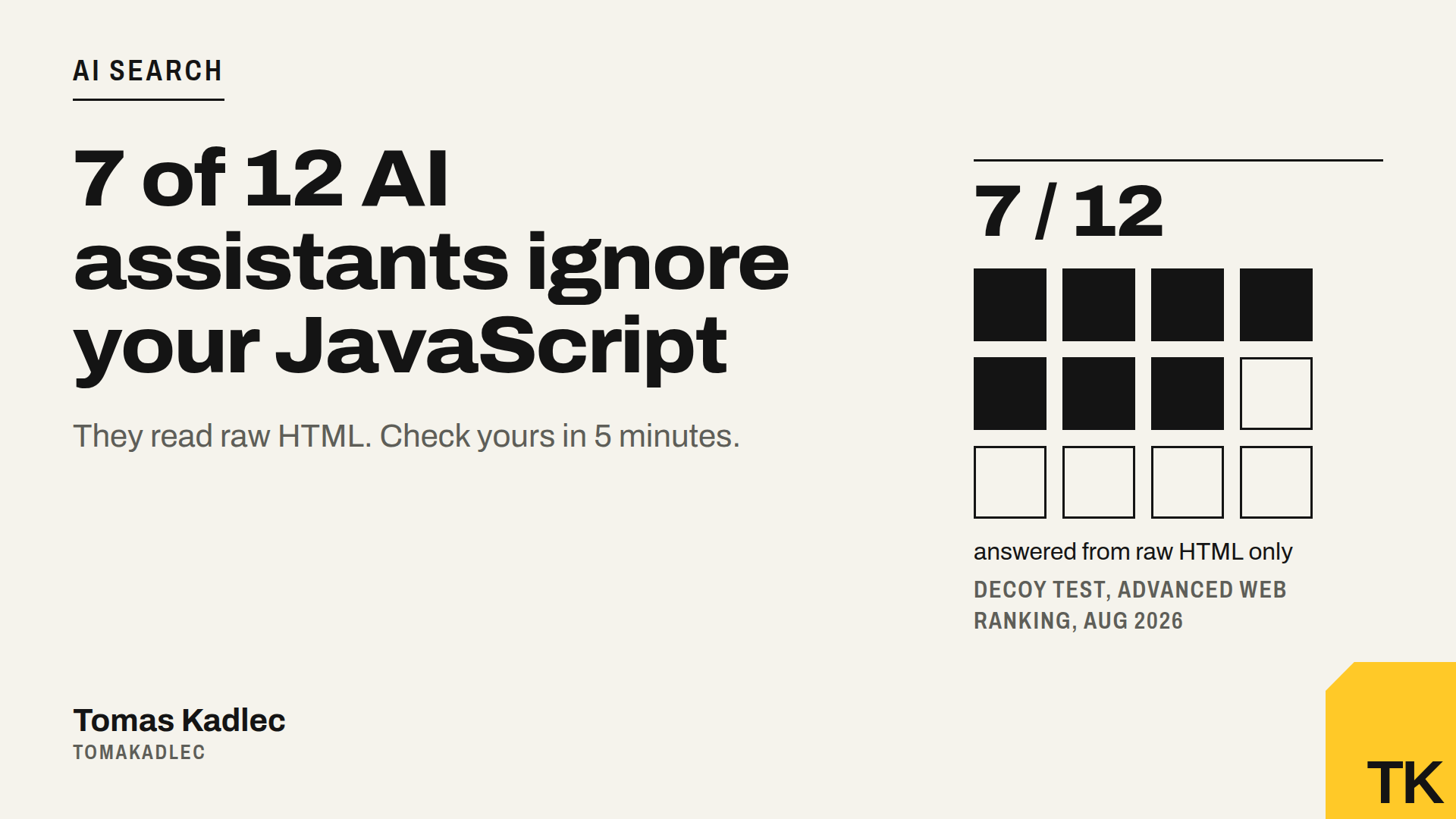
A team gave 12 AI assistants the same page. The raw HTML showed a fake number. A small script replaced it with the real one. 7 of the 12 reported the fake number.
ChatGPT, Claude, Gemini, Perplexity, Meta AI, Microsoft Copilot and Grok all answered from the raw HTML. Only DeepSeek, ERNIE, Qwen, Kimi and Mistral ran the script. The test was run by Andre Alpar's team and described by Advanced Web Ranking in August 2026.
So the assistants your customers actually use in Europe read your page the way it comes from the server. Not the way you see it in the browser.
My take: this is the cheapest GEO problem to find. You need 5 minutes and Chrome.
Why this happens
When you open a page, your browser downloads the HTML and then runs JavaScript. Many modern sites load prices, product descriptions, reviews or even the whole text with that JavaScript.
AI crawlers and live fetchers mostly skip the second step. Vercel looked at its own network in late 2024: OpenAI's crawlers and ClaudeBot download JavaScript files but do not execute them. ChatGPT fetched JS files in 11.5% of its requests, Claude in 23.8%. Nothing ran.
Gemini is a special case. Google says Gemini uses the same rendering service as Googlebot. But that rendering happens when Google indexes the page. On a fresh live fetch of a new URL, Gemini also read only the raw HTML in the test.
What usually hides from AI
These are the typical blind spots:
- Prices and stock loaded by a script after the page opens
- Product descriptions in tabs that fill only on click
- Reviews and ratings from a third-party widget
- FAQ accordions built in JavaScript
- Whole pages on single-page apps (React, Vue) without server rendering
One more detail: a test from October 2025 found that none of five AI systems found a price that existed only in schema.org JSON-LD. Structured data helps search engines. It is not a replacement for the price in visible text.
Google has its own reason to care. Merchant Center help says prices loaded with JavaScript can trigger a mismatched price error, and that can disapprove the product.
The 5-minute check
- Open your most important page in Chrome. A product, a service page, your pricing.
- Press Ctrl+U (Cmd+Option+U on Mac). This is the raw HTML, the version AI assistants get.
- Press Ctrl+F and search for three things: the price, the second paragraph of your main text, one sentence from a review.
- Anything you can not find there, ChatGPT and Claude most likely can not see either.
- Do the same for 5 to 10 pages: home, top category, top product, pricing, about.
Want a second view? Open DevTools, press Ctrl+Shift+P, type "Disable JavaScript" and reload. What stays on the screen is roughly what the crawler reads.
Run your own decoy test
If you want proof on your own domain, copy the method:
- Make a new, unlinked test page.
- Put a fake reference number in the HTML.
- Let a small script replace it with the real number after the page loads.
- Ask ChatGPT, Claude, Gemini and Perplexity to read the page and report the number.
- Fake number in the answer = that assistant read raw HTML only. Check your server log for the fetch too.
What to fix first
- Server-render the content you want quoted. Main text, prices, key facts, navigation. Next.js, Nuxt and most CMS themes can do this. Ask your developer for SSR or static generation on those templates.
- Keep JavaScript for extras. Chat widgets, view counters, social feeds. Nobody needs them in an AI answer.
- Put the price in plain text next to the JSON-LD, not only inside it.
- Write sentences that work alone. AI answers quote short chunks. "Our audit costs 500 EUR and takes 5 days" works. "It costs less than you think" does not.
- Check after every redesign. A new theme or plugin can move content into scripts without anybody noticing.
My free AI crawler check counts the words in your raw HTML as one of its 13 checks. It takes a minute.
Summary
Most AI assistants your customers use read your raw HTML, not the page you see. Check your top pages with view-source today, server-render what you want quoted, and put prices in plain text.
If the check shows a gap, the AI readability repair fixes it on your site. Not sure yet? book a free 20-minute call.
Which of your pages did you check first, and what was missing?
Sources: Advanced Web Ranking, What AI search crawlers read, 20 August 2026 (decoy test by Andre Alpar's team, 12 assistants; searchVIU JSON-LD test, October 2025) · Vercel, The rise of the AI crawler, 17 December 2024 (log data, Vercel network) · Google Merchant Center Help, How to fix: Mismatched product price.