Can AI agents shop or book on your site?
Free check: can AI agents reach your offer, understand it and find the Buy or Book action? Plus what an agent test on my own site showed.
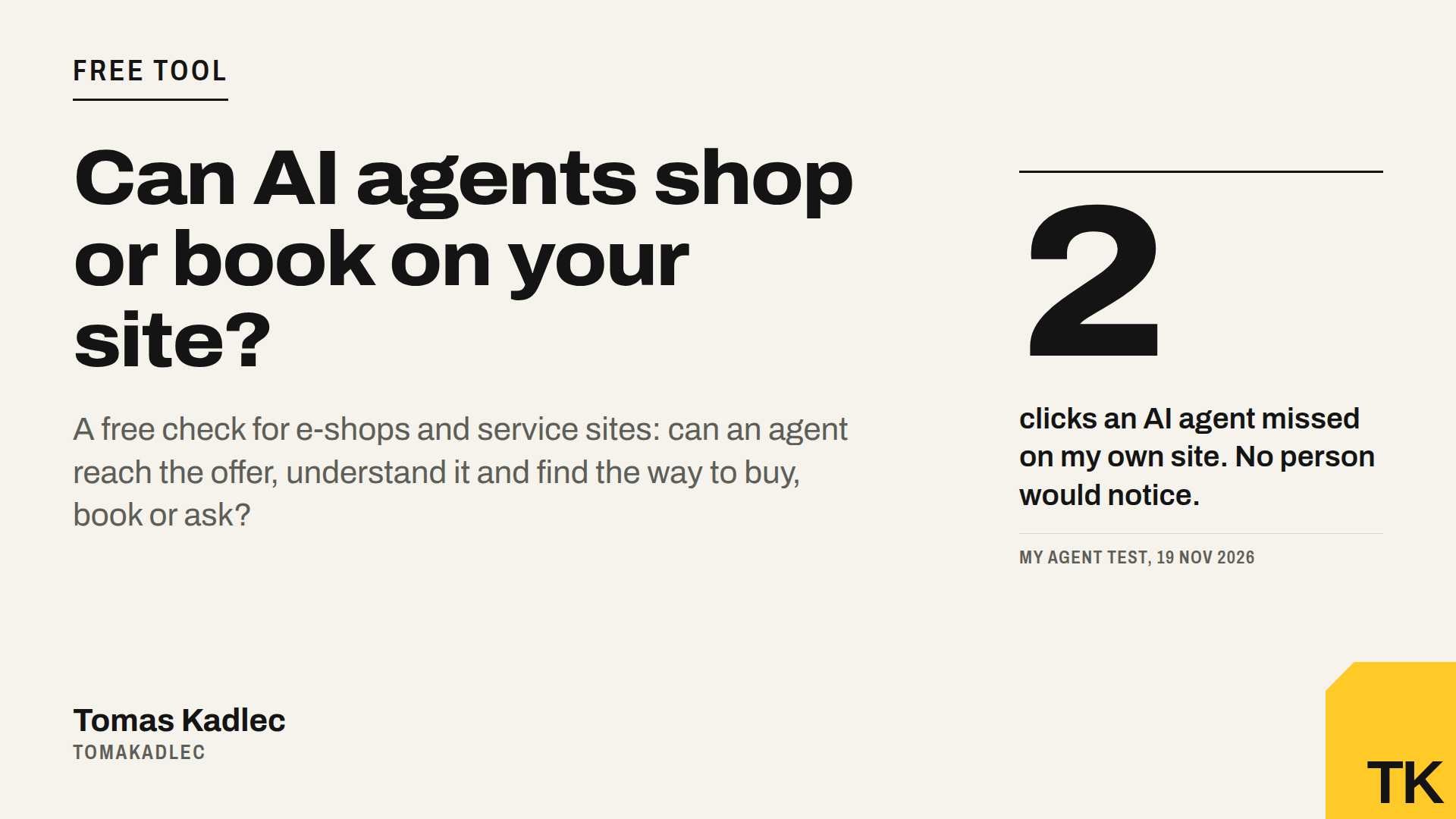
Before I launched my new tool, I tested it on my own website. A real AI agent in a real browser had one task: go from my home page to "book a free call" and reach the time slots.
It got there. But it needed 6 steps and 31 seconds, and twice it had to click a second time: on the hero button and on "Choose a time". The run cost 0.05 USD.
For people the site was fine. The cause was small. My site scrolls smoothly (scroll-behavior: smooth), and my runner measured where to click before the scroll ended. So the first click landed in the wrong place.
After two fixes, one in my runner and one that made my booking page load faster, the same path took 4 steps, 0 missed clicks, 21 seconds and 0.03 USD.
What I took from it: a detail no human notices was enough to make an agent miss a click. A page read would never show that. That is why the paid test runs a real agent in a real browser.
Why this matters now
AI agents are starting to shop and book for people. They do not only read pages. They click, fill in and compare.
Google published a guide on 17 November on how to let its agent into your site, and I wrote about the six ways sites still block it. I also wrote about ChatGPT Wallet, which lets OpenAI's agents buy for the user, and what a shop needs for that.
To be honest about the timing: agent checkout is not generally available in Europe yet. Today agents mostly find and compare offers, then send people to your own checkout or form. But that part already happens. If an agent can not read your offer, it compares the others.
What the free check does, in 3 steps
The AI Shopping & Inquiry Agent Readiness Check is for e-shops and for service sites. For a service site, the "purchase" is a booking, a quote request or a contact form. It runs about 20 checks and it only reads your public HTML.
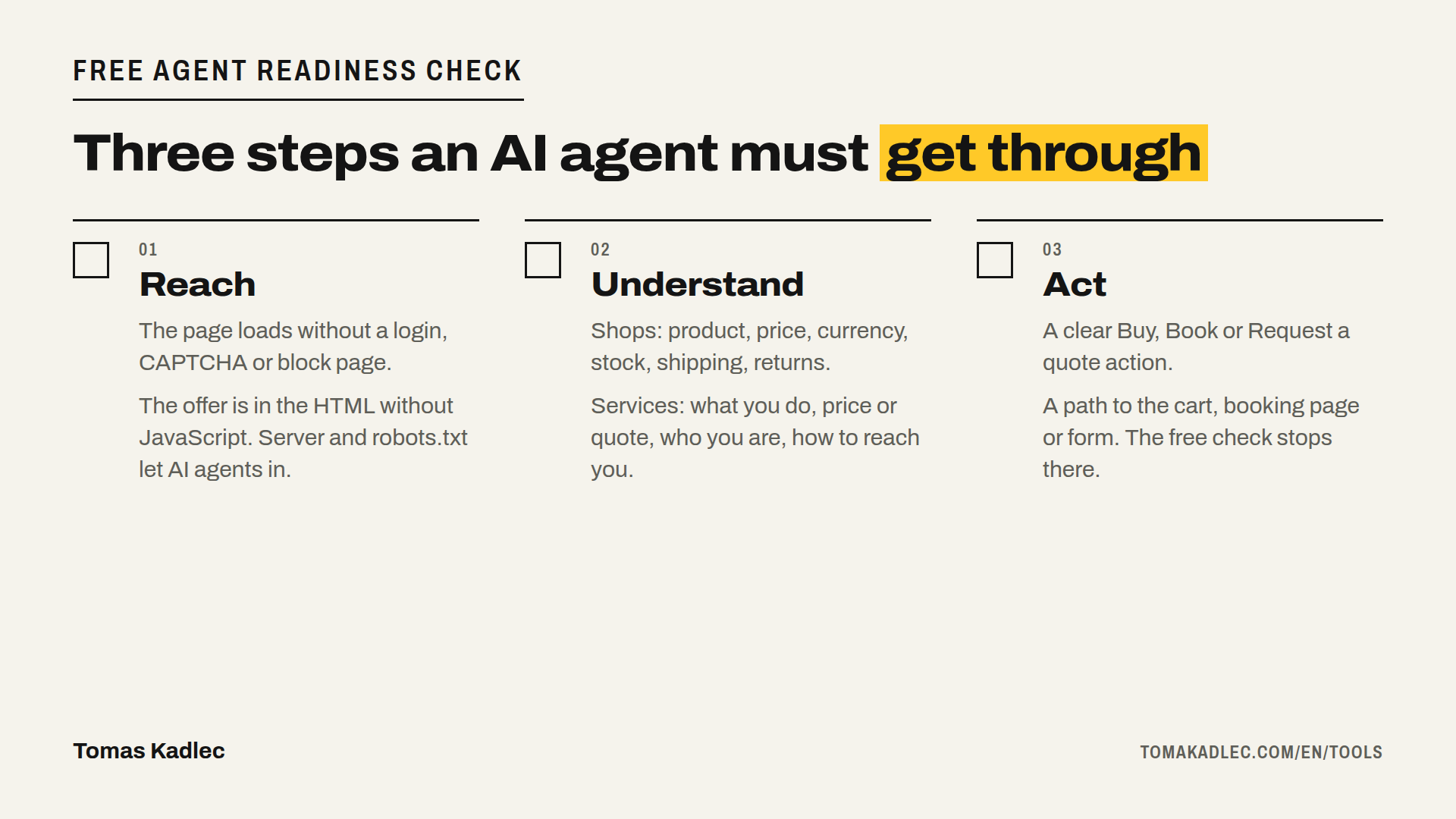
- Reach. Can an agent get to your offer at all? The check looks if the page loads without login, CAPTCHA or a block page. If the offer is in the HTML without JavaScript. If your server gives the same page to requests named ChatGPT-User, Claude-User and Perplexity-User. If robots.txt blocks AI search crawlers. And if a consent or age wall replaces the offer.
- Understand. Can the agent tell what you sell? For shops: product name, price, currency, availability, shipping, returns, contact and structured data. For services: what you do, the price or how to get a quote, who you are and how to reach you.
- Act. Can the agent find the next step? For shops: a recognisable Buy or Add to cart action and a path to the cart. For services: a clear Book, Request a quote or Contact action, and a form or booking page it can reach. The free check stops here. It never buys, never sends a form and never enters personal data.
You get a score per step, the place where an agent would get stuck, and the top fixes. A cart or booking widget that runs on JavaScript is marked "unverified", not "broken". The check can not see inside it, so it does not punish it.
An example: say you run a small e-shop and your price only appears after JavaScript loads. A page read finds no price. The check shows that as a fix in Reach.
llms.txt, MCP and agent checkout protocols are listed as advanced signals, without points. They do not decide whether an agent can buy or book on your site today.
Free check vs Agent test
| Free check | Agent test | |
|---|---|---|
| What it does | Reads your public HTML: about 20 checks in 3 steps | A real AI agent in a real browser tries to buy, book or send an inquiry. One site, one path |
| What it does not do | Click, buy, send forms or run an agent | Pay or send the form: it stops before both |
| What you get | Score per step, where an agent gets stuck, top fixes | Report within 24 h: every step, screenshots, where it stopped and why |
| Price | Free | 49 EUR / 1,190 CZK |
My two missed clicks came from the Agent test. The free check reads HTML, so it would not see a problem like that.
What the check can not tell you
- The requests come from my server, not from the agents' own addresses. Your firewall may treat real agents differently.
- It does not run an agent. Clicks, scrolling and JavaScript widgets need the Agent test.
- A ready website is not a promise of sales. Agent checkout is not generally available in Europe yet.
The paid options
- Agent test, 49 EUR one-off: a real agent walks one path on your site, report within 24 h.
- Repair, 600 EUR: up to five bounded defects fixed and re-tested by Dominik, an experienced developer. Checkout, payment gateway, firewall and multilingual work are quoted separately.
- Weekly monitoring of up to 10 URLs (Monitoring and Monitoring Pro) is available soon.
You buy them on the tool page, payment through Stripe.
What to do
Run the free check on your home page and on one product or booking page: AI Shopping & Inquiry Agent Readiness Check. It takes about a minute.
If you want proof and not only a page read, order the Agent test for 49 EUR on the same page. If you want to check only how your server answers known AI crawlers, the AI crawler check does that. And if you want to talk through the result, book a free 20-minute call.
Which step would an agent fail first on your site: reach, understand or act?
Sources: Tomas Kadlec, AI Shopping & Inquiry Agent Readiness Check, tool page · Tomas Kadlec, Let Google-Agent in: check these 6 things, 19 Nov 2026 · Tomas Kadlec, ChatGPT can now pay. Is your shop ready?, 17 Nov 2026