Hiding the admin button is not security
AI builders hide admin buttons and paid features in the UI. The API behind them may still answer anyone. 5 tests and a prompt for your AI builder.
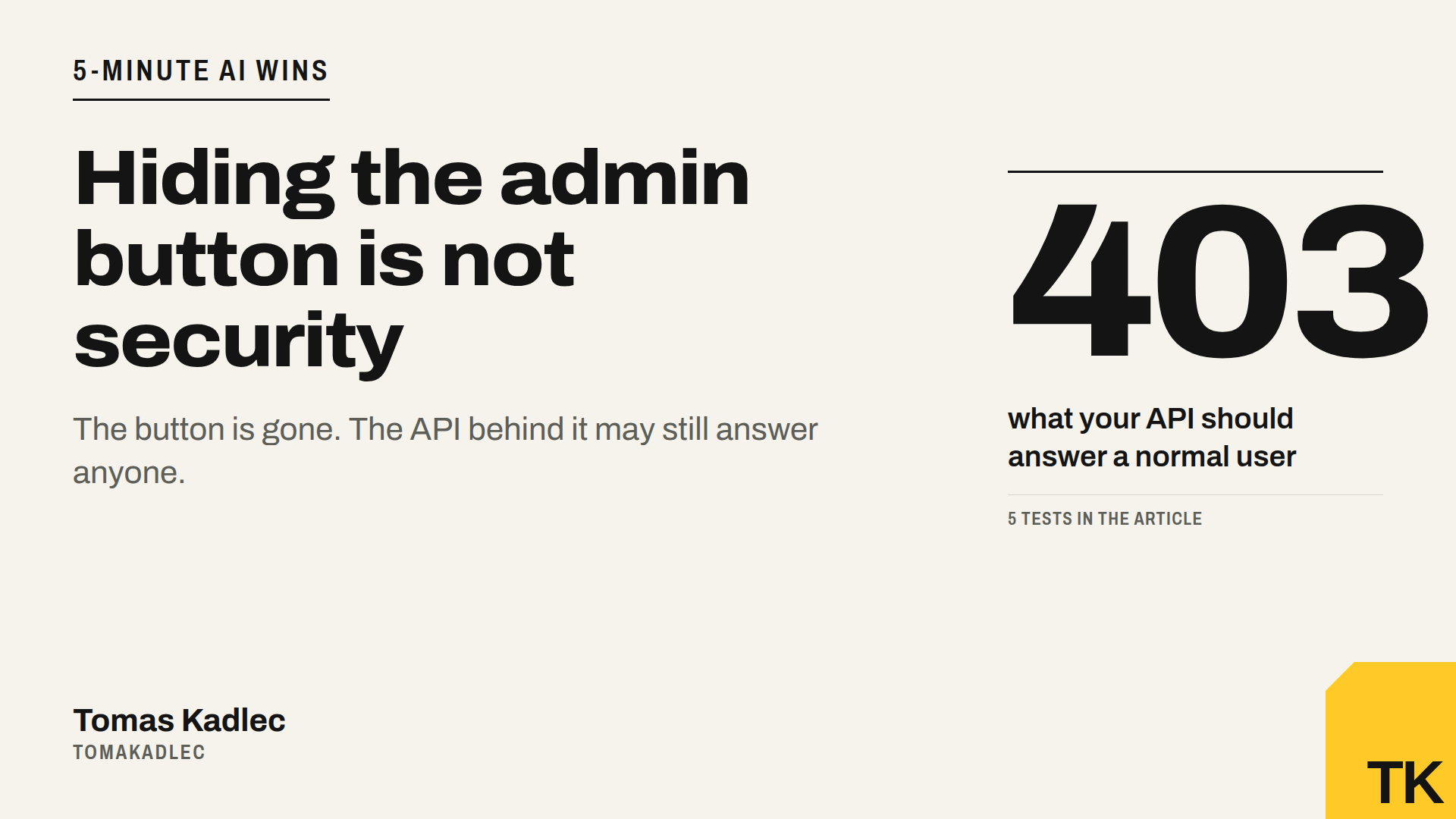
Your AI builder hid the admin button. Normal users do not see it. The paid feature is grey until somebody pays.
It looks safe. But the button is not the problem. The API or the database behind the button is. If that part answers anyone who asks, hiding the button changed nothing.
What a hidden button really hides
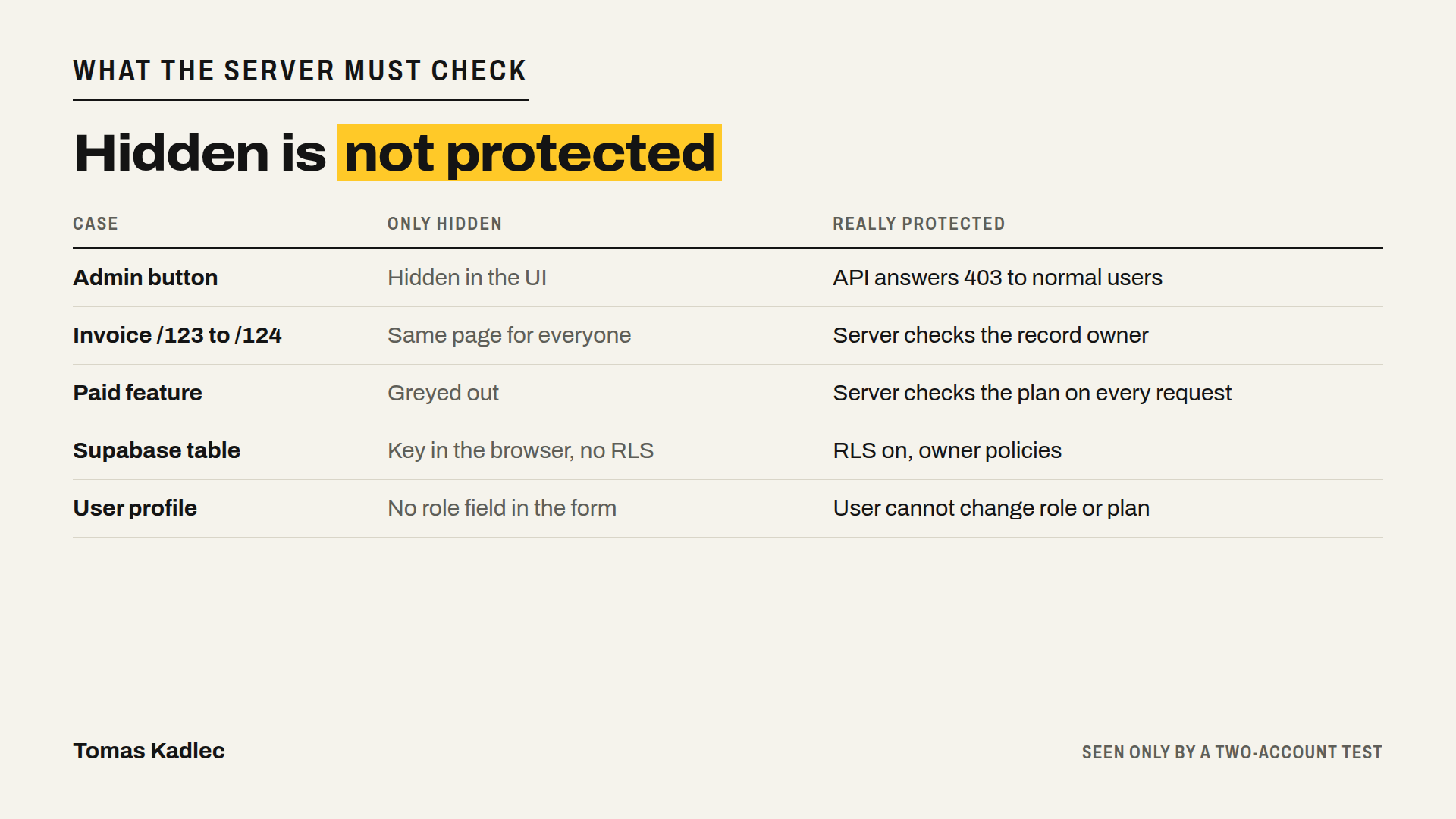
Everything in the browser belongs to the visitor. The HTML, the JavaScript, the buttons. A hidden button only changes what the screen shows. The request behind it still exists, and anyone can send it without clicking anything.
So the real question is never "can a user see the button". It is "what does the server answer when a user sends the request".
In apps built with Lovable, Bolt, v0 or Replit this fails in two typical ways.
Missing database rules. Many AI-built apps talk to Supabase directly from the browser. That is fine, the publishable key is made for this. Supabase says it plainly: anyone can read that key, so it only reaches what Row Level Security allows. And a table in an exposed schema without RLS is readable and writable by any role with a grant on it. I wrote more about which keys are fine in your JavaScript in which key in your JavaScript is dangerous.
IDOR (Insecure Direct Object Reference). Your invoice page is /invoice/123. OWASP gives exactly this example: someone changes 123 to 124 and sees another user's data. The app checked that you are logged in. It never checked that invoice 124 is yours.
This is not theory
Broken Access Control is number 1 in the OWASP Top 10:2025, the same place it had in 2021.
For AI builders there is a public case. In March 2025 the researcher Matt Palmer scanned 1,645 projects built with Lovable. He found 303 endpoints across 170 projects with inadequate RLS settings, about 10.3%. And he only looked at the homepages. It became CVE-2025-48757.
Lovable disputes the CVE. Their argument is that each customer is responsible for protecting the data of their own app. Whatever you think about that, the practical meaning is simple. If you built it, the database rules are your job.
Why my scanner cannot see this
I built a free Website security check. It checks headers, exposed files like .env, and secret keys in your JavaScript. I am honest about its limit. From outside, it cannot see your database rules, who can log in, your payment logic or your private API routes.
Nobody can, without logging in as two different users and trying to read each other's data. That means sending real requests against real accounts. My tool will not do that on a site whose owner did not prove the domain. I explain why in the next article.
So this part is a test you run yourself, on your own app.
5 tests to run on your own app
- Two users, one record. Create two test accounts, A and B. As A, create something private: an order, a note, a profile. Log in as B and open the URL of A's record. Then change the ID in any URL by one. If B sees anything, you have IDOR.
- Logged out, direct URL. Log out. Type the admin URL and the paid feature URL directly. A blank page is not enough. Open the browser developer tools, tab Network, and look at the data that still loads.
- Repeat the admin request as a normal user. As admin, open the admin page with the Network tab open and note the requests. Log in as a normal user and send the same request. The right answer is 401 or 403, not data.
- Every table, its rules. In Supabase, check every table in the public schema. RLS must be on. The policies must compare the row owner with the logged-in user, not just "anyone logged in".
- Can a user promote themselves? If a user can edit their own profile row, check which columns. Can they change their plan, role or "is_admin" field themselves? Then the paywall is a hidden button too.
The prompt for your AI builder
Copy this into Lovable, Bolt, Cursor or Claude Code. It does not change code first. It makes the builder show you the rules.
Act as a security reviewer for this app. Do not change any code yet.
1. List every API route, server function and database table. For each one, tell me who can read it and who can write it: a logged-out visitor, any logged-in user, only the owner of the row, or only an admin.
2. For each rule, show me where it is enforced on the server or in the database. A hidden button or a check in the frontend does not count.
3. If we use Supabase: list every table in an exposed schema, say if Row Level Security is on, and show the exact policies. Flag any policy that lets a logged-out visitor read data or that allows everything.
4. Check if a user can change their own role, plan or payment status by updating their own row.
5. Write a test plan with two test users, A and B, that proves B cannot read or change A's data and a logged-out visitor cannot reach admin data.
Then propose the fixes one by one and wait for my OK before each one.
Do not trust the answer blindly. Run tests 1 to 3 yourself after the fixes. The builder that forgot the rules the first time can also forget them in the report.
Summary
A hidden button is design, not security. The protection lives on the server and in the database, and an outside scanner cannot see it. Test it with two accounts, fix it with your builder, test again.
Start with the parts a scanner can see: run the free Website security check on your site. It takes one URL.
Which of the 5 tests do you expect your app to fail?
Sources: OWASP, Introduction to the OWASP Top 10:2025, 2025 · OWASP Cheat Sheet Series, Insecure Direct Object Reference Prevention, checked 18 November 2026 · Supabase Docs, API keys, checked 18 November 2026 · Supabase Docs, Row Level Security, checked 18 November 2026 · Matt Palmer, Statement on CVE-2025-48757, 29 May 2025 · Matt Palmer, CVE-2025-48757, May 2025 · Tenable, CVE-2025-48757, checked 18 November 2026 · own limits of the Website security check, 18 November 2026.