Read your AI Overviews report in 10 minutes
Search Console shows how often Google's AI Overviews and AI Mode showed a link to your site. What it counts, what it hides, and 4 checks to run.
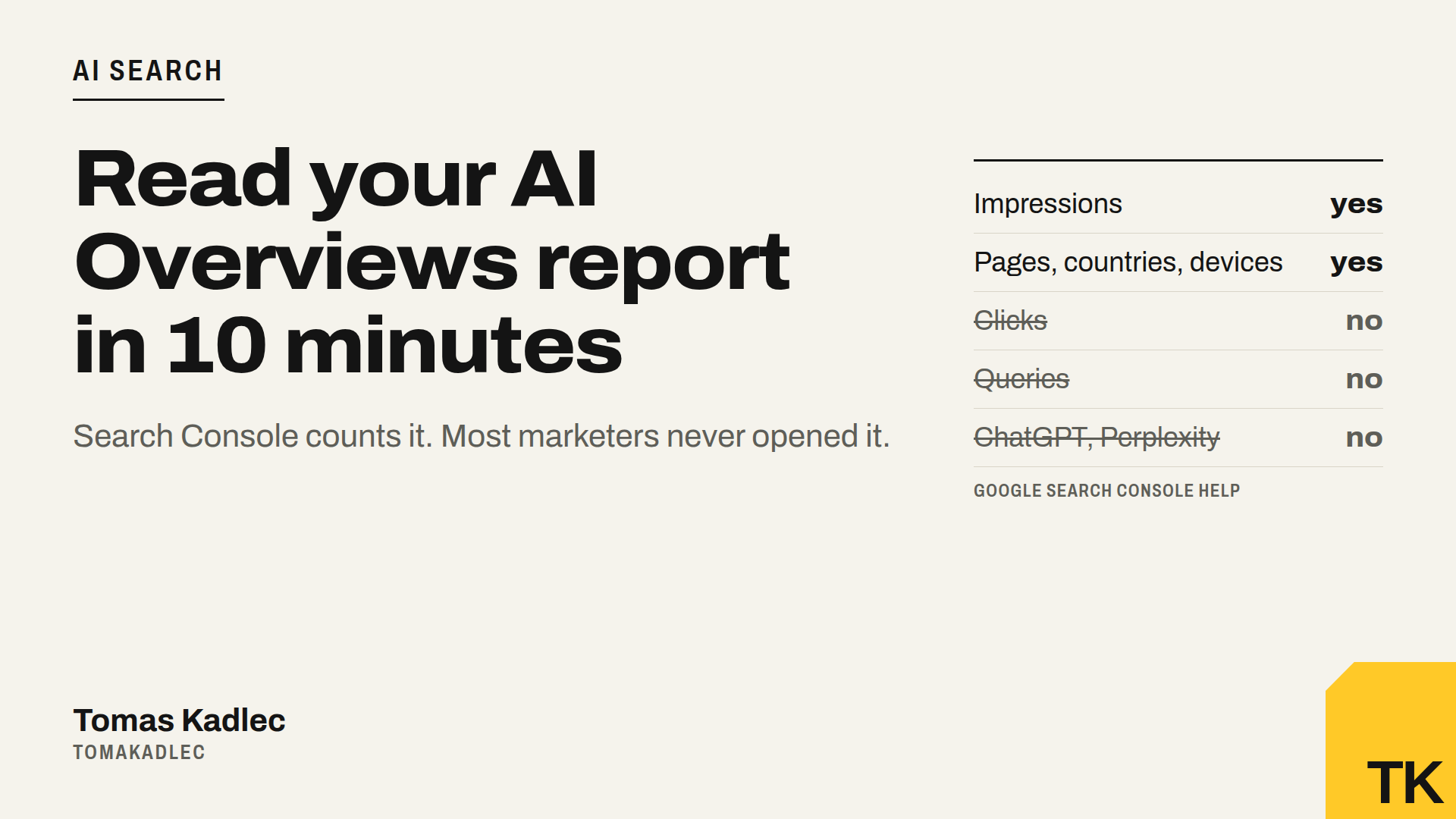
Search Console has a report most marketers never opened. It shows how often Google's AI Overviews and AI Mode showed a link to your site.
Google added it in June 2026 and rolled it out to more sites over the summer. It sits next to the normal Performance report. If you do not see it, Google says your site did not get enough impressions in AI features yet. That is also an answer.
My take: this is the first free, official number about your visibility in AI search. It is not perfect. But it tells you which of your pages Google trusts enough to use as a source.
What the report counts
- Impressions only. How many times a link to your site was shown in AI Overviews or AI Mode.
- Four views: pages, countries, devices, dates.
- One answer, one impression. If one AI Overview shows three links to your site, the chart counts one. The table is per page, so the totals do not match. That is normal.
- Fresh data moves. The newest days are preliminary and can change within hours.
- Usual limits. Max 1,000 rows in the table, like the main report.
What it does not tell you
- No clicks. Google says traffic from AI features is part of your normal search traffic, under the "Web" search type in the Performance report. So the clicks are there, but mixed with all the other clicks.
- No queries. You see which page was shown, not for what question.
- Only Google. ChatGPT, Perplexity and Copilot are not in it.
- Bugs happen. Google reported a logging error from 13 August that lowered impressions in this report, and Search Engine Roundtable reported another data bug from 9 to 11 November. Before you panic about a drop, check the data anomalies page.
The 10-minute read: 4 checks
- Export the AI report. Last 3 months, Pages tab, export.
- Export the normal Performance report for the same 3 months, Pages tab, Web search type.
- Put them side by side in one sheet: page, AI impressions, web impressions, AI share (AI impressions divided by web impressions).
- Look at the date view for the top 5 AI pages. If the AI line goes up and clicks of that page in the main report go down, Google answers the question without you. If both go up, the AI answer sends people to you.
Then sort by AI share. You get three groups:
| Group | What it means | What to do |
|---|---|---|
| High AI share, clicks stable | Google uses you as a source and people still click | Keep the page fresh, add the update date |
| High AI share, clicks falling | The AI answer is enough for people | Add what the answer can not give: price, tool, calculator, booking |
| Many web impressions, zero AI | Google ranks you but does not use you in answers | Put the answer in the first paragraph, as plain text |
If you want help with the sheet, give both exports to ChatGPT or Claude with this prompt:
I attach two Search Console exports for the same 3 months: the generative AI report by page and the web search Performance report by page. Join them by page. For each page show AI impressions, web impressions, AI share, and web clicks in the first and the last month. Sort by AI share. Put each page in one of three groups: high AI share with stable clicks, high AI share with falling clicks, many web impressions with zero AI impressions. Give one concrete fix for the top 5 pages in each group. Do not guess numbers that are not in the files.
Two things to check on the page itself
For the pages in the third group, open the page source (Ctrl+U) and search for your main answer. If it is not in the raw HTML, AI systems may not read it. And check that crawlers can reach the page at all.
Countries and devices also matter. If AI shows you only on desktop in one country, your mobile page may be the problem.
Summary
The Search Console generative AI report shows how often Google's AI features show your pages. It counts impressions, not clicks, and only for Google. Put it next to the normal Performance report, sort by AI share, and you know which pages to keep, which to make worth a click, and which to rewrite.
To see if AI tools can read your site at all, run the free AI crawler check. To see where ChatGPT, Perplexity and Google AI mention you and your competitors, there is the AI visibility audit. How to measure the clicks in GA4 is in only 24% can prove AI search pays. Or book a free 20-minute call.
Did you open this report already? What was your top page?
Sources: Google Search Console Help, Generative AI performance report (Search) · Google Search Central Blog, Introducing Search Generative AI performance reports in Search Console, June 2026 · Google Search Central, AI features and your website (AI feature traffic in the Web search type) · Search Engine Roundtable, report expands to more sites, 11 August 2026 · Search Engine Land, Generative AI performance report logging bug (data from 13 August 2026) · Search Engine Roundtable, daily recap 13 November 2026 (data bug 9 to 11 November).