WebMCP: what it is and what to do now
WebMCP in plain words: what it is, who is behind it, which browsers support it in November 2026, how it differs from MCP, and what to do now.
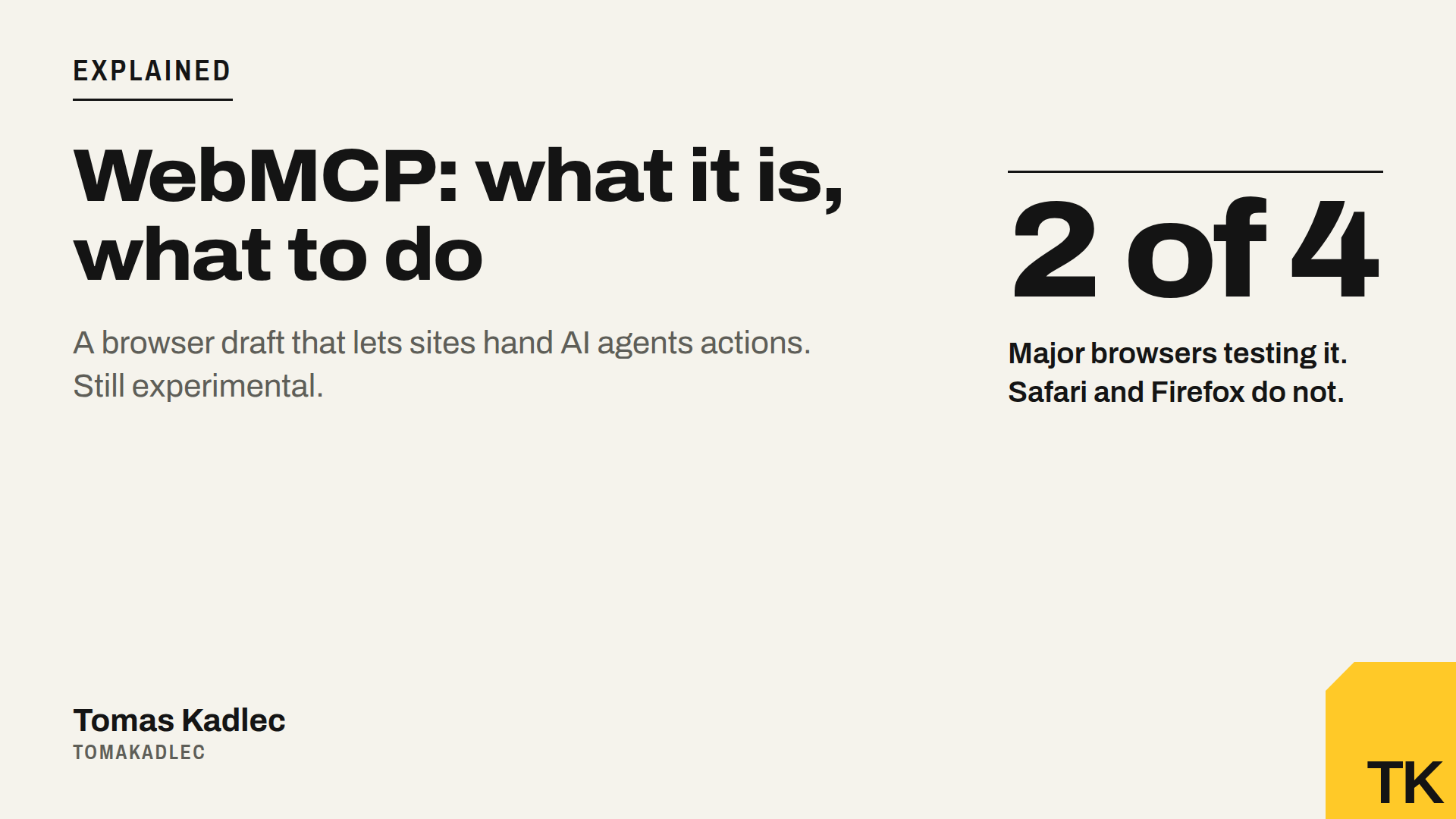
WebMCP is a proposed browser feature. A website uses it to give AI agents a list of actions, like "search products" or "book a table", so the agent does not have to click through the page and guess. Engineers from Google and Microsoft are behind it. In November 2026 it is still experimental: a draft spec, origin trials in Chrome and Edge, and no support in Safari or Firefox. For most business sites it is something to prepare for. It is not something to ship this week.
What is WebMCP in plain words?
Today an AI agent in a browser uses your site like a stranger in a shop with no signs. It looks at the page, guesses which button means "Add to cart", clicks and hopes.
WebMCP turns this around. Your page's JavaScript registers tools through document.modelContext. An agent built into the browser, or a browser extension, can then find these tools and call them. Each tool has a name, a plain-language description and a list of inputs. A booking page, for example, could offer a tool that searches free slots by place and date.
So the agent stops guessing your interface. It calls a function you described.
Who is behind WebMCP?
On August 28, 2025, Patrick Brosset of the Microsoft Edge team published a blog post introducing WebMCP as a joint project of the Edge and Google teams. The spec is hosted by the Web Machine Learning Community Group, with three editors: Brandon Walderman from Microsoft, and Khushal Sagar and Dominic Farolino from Google.
The status matters. The latest spec I opened is a Draft Community Group Report, 27 October 2026. The document itself says that it is not a W3C standard and is not on the track to become one.
WebMCP in Chrome, Edge, Safari and Firefox: the status today
Chrome. WebMCP is available as a Chrome flag for local development at chrome://flags/#enable-webmcp-testing. For real visitors, sites can join the WebMCP origin trial from Chrome 149. An origin trial is a time-limited test: a site signs up and gets an experimental feature for its real visitors. One tracker reports that the trial now covers Chrome 149 to 162 and ends on 30 March 2027, and that Chrome Status lists the feature as "Proposed" and no longer names a target version. I found this extension only in secondary sources, so check Chrome Status yourself. Google also said that Gemini in Chrome will soon support WebMCP APIs.
Edge. Secondary sources report an origin trial from Edge 150.
Firefox and Safari. Firefox has a neutral position on WebMCP and Safari's engine, WebKit, has an opposing one, so neither has an implementation.
Real use. Here sources disagree. A July 2026 review found close to zero real websites using WebMCP and no mainstream AI agent calling the tools. Later posts claim wider use, for example in ChatGPT's desktop app and on hosted shop platforms. I could not confirm the numbers in a primary source, so I do not repeat them.
navigator.modelContext or document.modelContext?
Many tutorials show navigator.modelContext. That name is outdated. In the current spec the main call is document.modelContext.registerTool, which adds one tool that agents can call. The implementation in Chrome 150 moved modelContext from the navigator to the document. Sources give different dates for when the spec changed: some say 27 May 2026, others 21 July 2026. Either way, the API was renamed in its first year. Expect more changes.
WebMCP vs MCP: what is the difference?
Similar names, different things.
MCP (Model Context Protocol) is an open standard that connects AI apps to outside systems and data. You run an MCP server. An assistant like Claude or ChatGPT connects to it. No browser and no open web page is needed.
WebMCP runs inside your page while a person has it open. As Brosset explains, the browser handles the protocol part. You do not build MCP yourself, you only write JavaScript functions. Mozilla's discussion even says the name suggests MCP is involved when it is not.
So there are three ways an agent can use your business:
- Clicking agent. It reads and clicks your page like a human. It works everywhere today and breaks easily.
- WebMCP. Your page tells the agent in the browser what it can do. Experimental, Chromium only.
- MCP server. A separate connection for AI assistants, no browser needed. The protocol is already widely supported.
Chrome itself describes WebMCP as something that can be added as a progressive enhancement. It is a layer on top of a working site. It does not replace one.
What WebMCP means for agent readiness and agentic commerce
Agentic commerce means AI agents that find, compare and buy or book for a person. WebMCP may become one part of that. But an agent can only call a tool after it has reached your site and understood your offer. That base is agent readiness, and it helps every agent today, not only Chrome agents in a trial.
A made-up example to show the math. An e-shop has 3 key actions: search products, add to cart, request a quote. For each action you ask 3 questions: can an agent reach it, understand it, and find the button? That is 9 checks. Say 7 pass and 2 fail: the quote form loads only with JavaScript, and the cart button is an icon with no text label. Fix those 2 and you are at 9 of 9 for every agent. WebMCP tools would add value only for Chrome or Edge visitors on sites in the trial whose agent looks for tools.
Safety is still open. Mozilla's discussion warns that a site's tools may not match what a person sees and does on the page. Keep payments and orders behind a human confirmation.
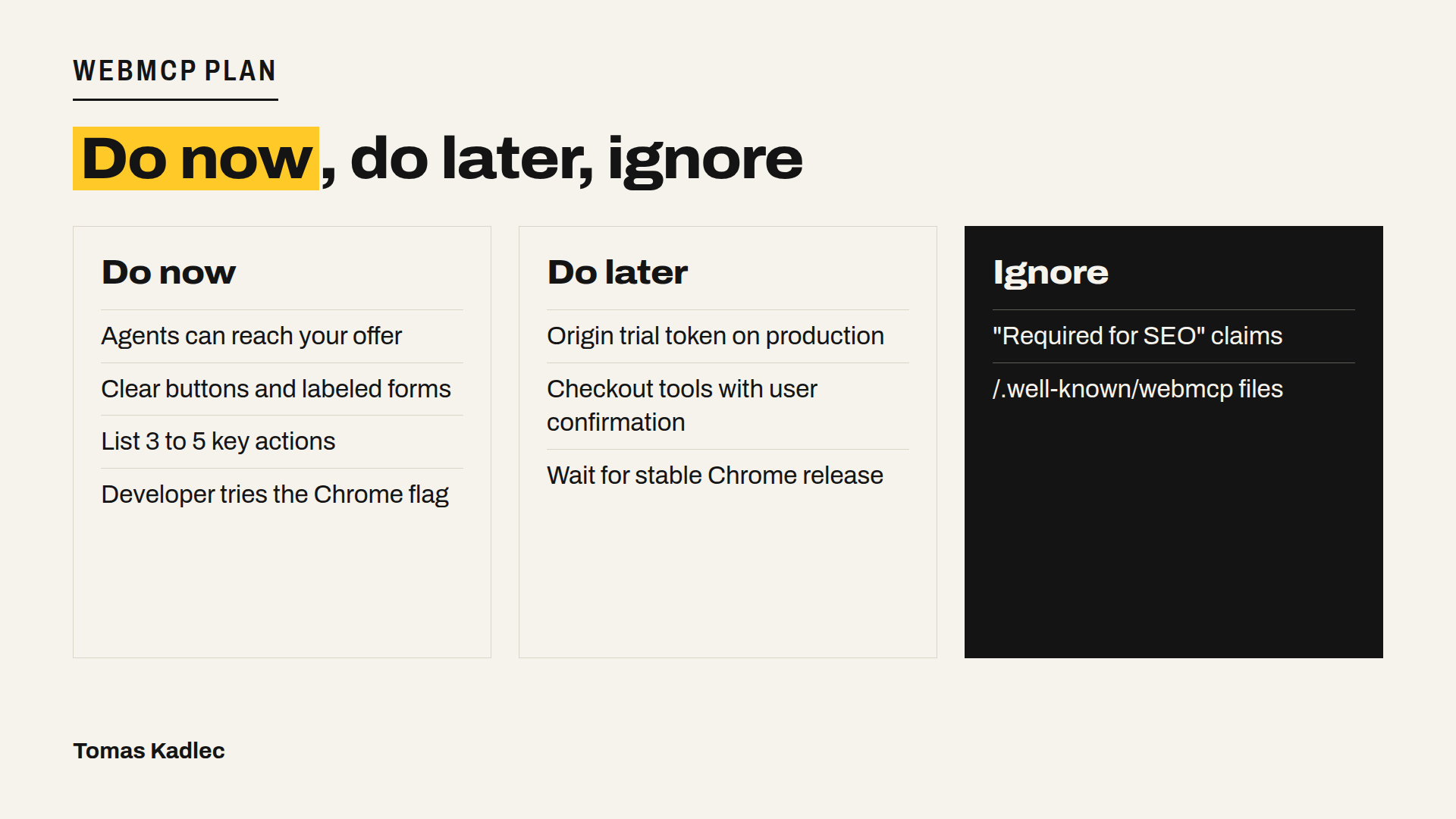
Do now, do later, ignore
Do now
- Check that AI agents can reach your offer and read it without JavaScript: prices, stock, terms.
- Make your main action clear: real buttons with text, labeled form fields, no wall in front of the quote form.
- Write down the 3 to 5 actions an agent should be able to do on your site. This list becomes your WebMCP tools or your MCP server later.
- If you have a developer, let them try the Chrome flag on a test copy.
Do later, when WebMCP ships in stable Chrome or a big agent clearly uses it:
- Add the origin trial token on production, but only with a developer who will maintain it. The API already changed once.
- Add tools for checkout or booking, with user confirmation for anything that costs money.
Ignore
- Claims that WebMCP is required for SEO or AI visibility.
- Files at /.well-known/webmcp. /.well-known/webmcp is not defined by the draft.
A prompt to plan your first WebMCP tools
Paste this into ChatGPT, Claude or Gemini together with your homepage URL and a short description of your business:
You are helping me prepare my website for AI agents and the WebMCP proposal.
I will give you my site address and one sentence about what we sell or book.
1. List the 3 to 5 actions a customer's AI agent should be able to do on my site.
2. For each action, write a tool name, a one-sentence description and the inputs with types.
3. Mark which actions must ask the human to confirm (money, personal data, orders).
4. Tell me what must work on the normal page first, for agents that click.
Do not write production code. The WebMCP API is still a draft and may change.
WebMCP FAQ
Is WebMCP the same as MCP?
No. MCP connects AI apps to servers you run. WebMCP is a browser API: your page registers tools and the browser hands them to the agent.
Does WebMCP work in Safari and Firefox?
No. WebKit's recorded position is oppose and Mozilla's is neutral, and neither browser has an implementation.
Do I need WebMCP to show up in ChatGPT or Google?
WebMCP is about actions inside an open page, not about crawling or ranking. I found no primary source that says it affects rankings or AI citations.
Where to start
If you want to know where your site stands today, run the free AI Shopping & Inquiry Agent Readiness Check. It checks if AI agents can reach your offer, understand it and find the Buy, Book or quote action. There is also an optional paid Agent test for 49 EUR, where a real AI agent in a real browser tries the path. If you want assistants to work with your data without any browser, my developer Dominik and I build custom MCP servers, from 3,000 EUR. Not sure what fits? Book a free 20-minute call.
Which action on your site would you want an AI agent to do first?
Sources: W3C Web Machine Learning Community Group, WebMCP Draft Community Group Report, 27 October 2026 · Chrome for Developers, WebMCP documentation, 2026 · Chrome for Developers, Join the WebMCP origin trial, 9 June 2026 · Chrome for Developers, 15 updates from Google I/O 2026, May 2026 · GitHub webmachinelearning/webmcp, Move the modelContext getter to Document (PR #184), 2026 · Patrick Brosset, WebMCP updates, clarifications, and next steps, 23 February 2026 · Model Context Protocol, What is the Model Context Protocol (MCP)?, 2026 · W3C AI Knowledge Representation Community Group, WebMCP Technical Notes, 2026 · StudioMeyer, WebMCP Reality Check, 2026 · WebMCP.com, WebMCP Ecosystem Adoption Tracker, November 2026 · Webfuse, What Is WebMCP? How It Works and How It Differs From MCP, October 2026 · MCP Bundles, Which Browsers Support WebMCP Today, October 2026 · eSEOspace, What Is WebMCP? Website Tools for AI Agents, November 2026 · Spronta, The State of WebMCP: July 2026, July 2026 · No Hacks, What Is WebMCP? Your Website's API for AI Agents, 31 October 2026 · Chudi, What Is WebMCP?, 2026